Unify. Focus. Control.
待ち望んでいた
Azure Portalの代替品。
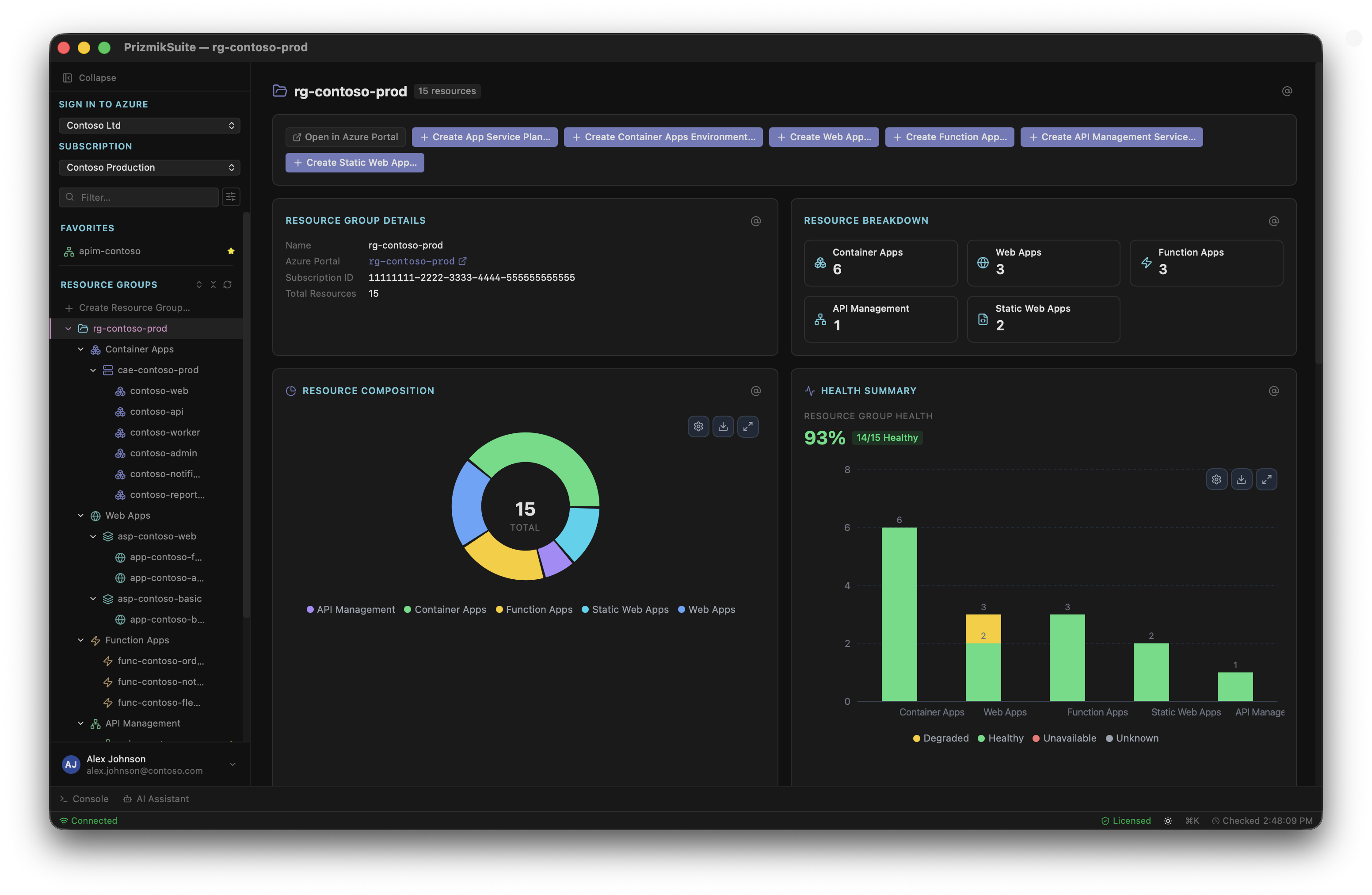
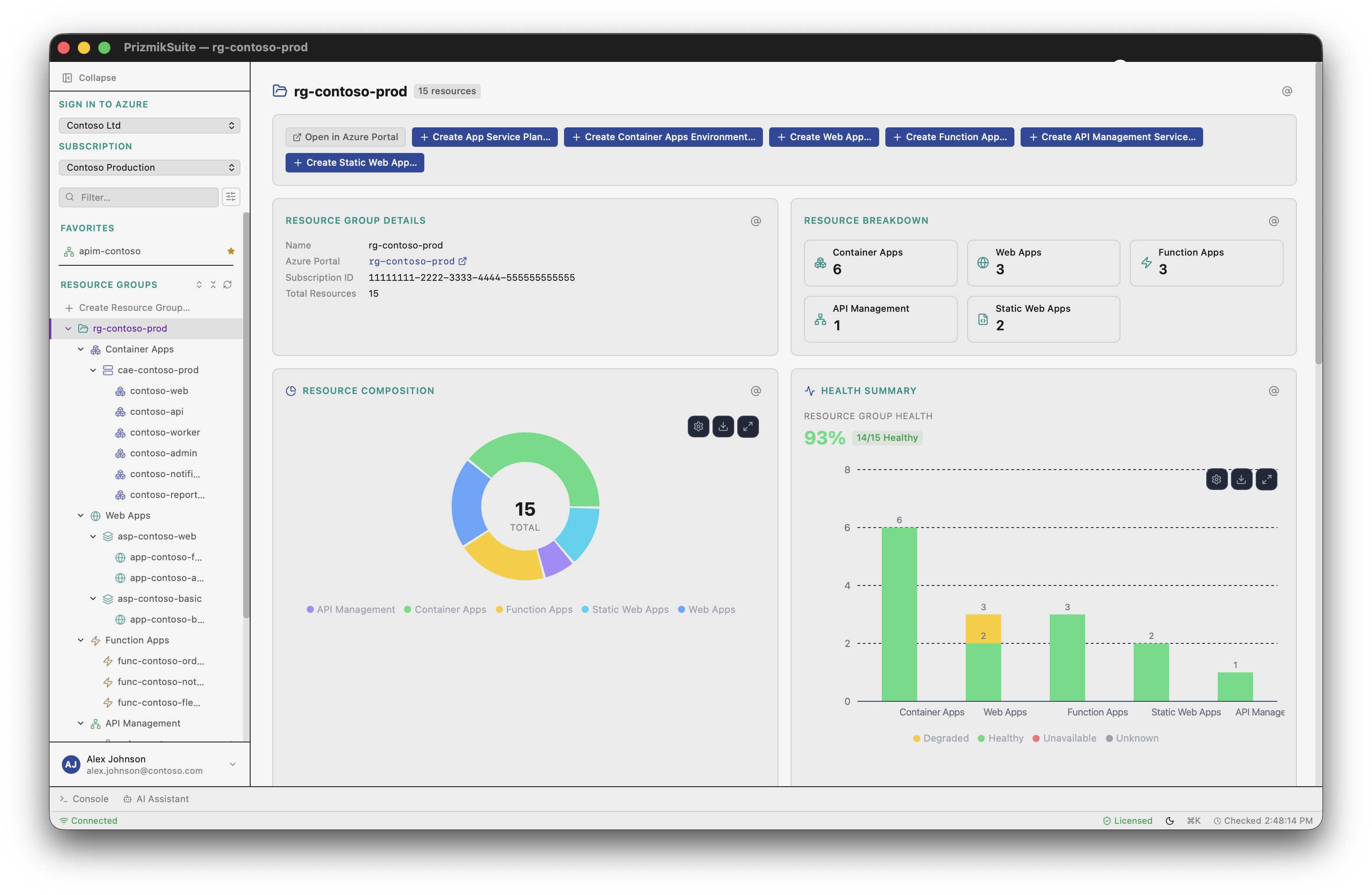
Container Apps、Web Apps、Functions、Static Web Apps、API Management用のネイティブデスクトップツール。5つの異なるPortalブレードを開く代わりに、ログ、メトリクス、構成、AIアクションを1つの作業コンテキストに保持します。
個人・教育・非商用利用は無料。商用価格を確認。テレメトリは収集しません。
統合
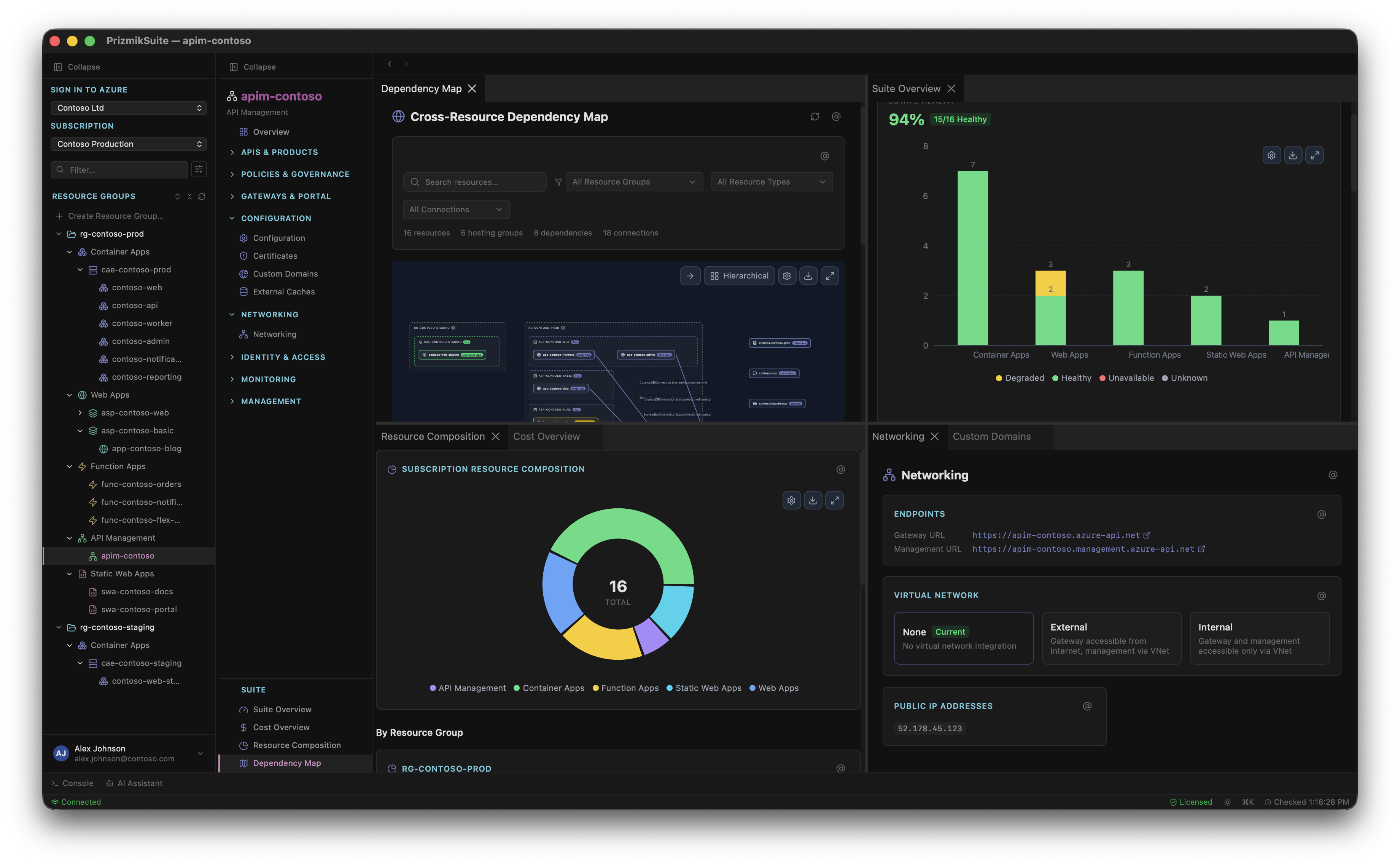
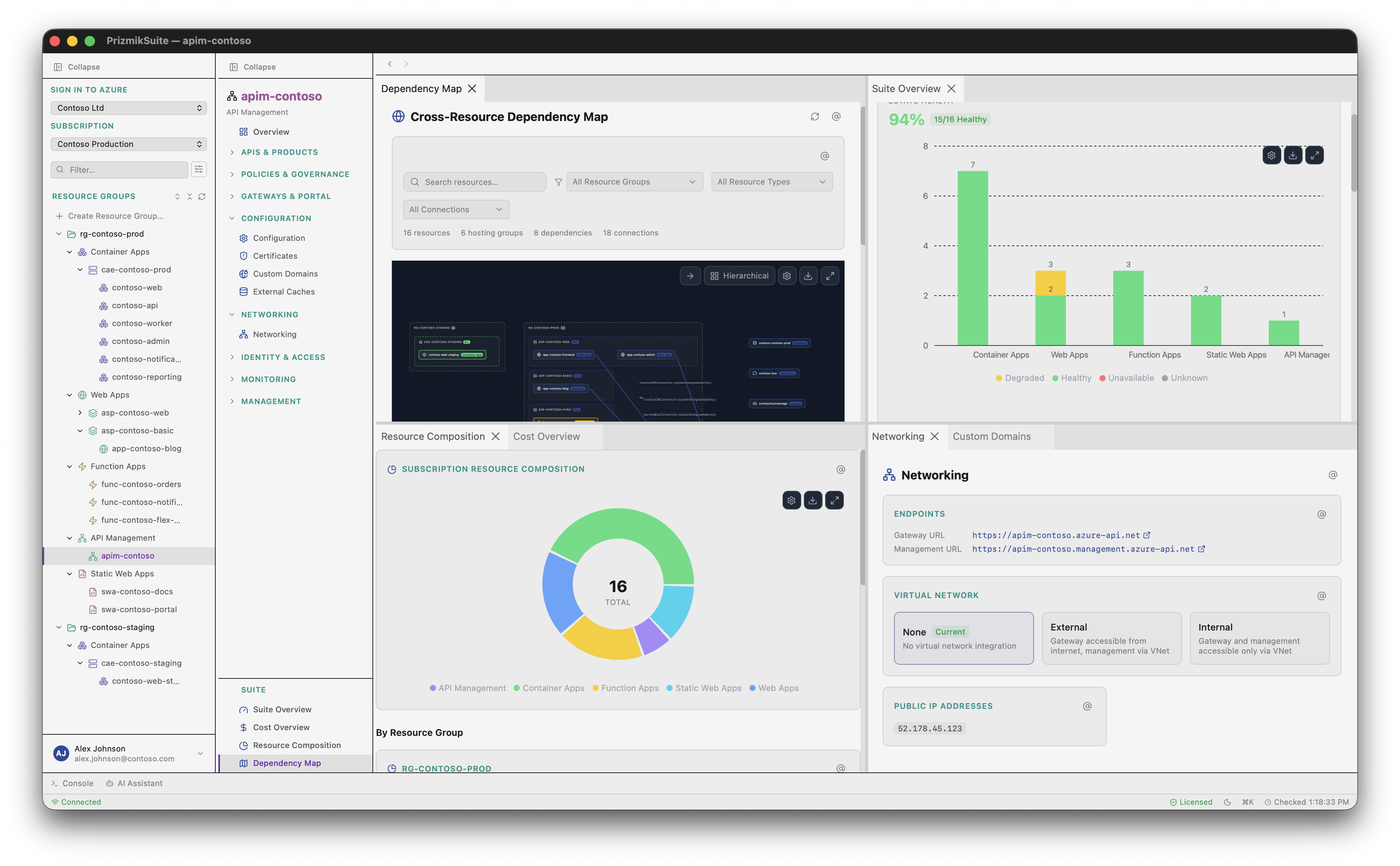
5つのAzureサービス、1つのネイティブアプリ。Portalタブホッピングなし。Cross-Resource Dependency Mapですべての接続を表示。
集中
キーボードファースト。分割パネル。コマンドパレット。ネイティブUI — ブラウザオーバーヘッドなし。ゼロの中断。
制御
完全なCRUD管理。60以上の実行可能ツールを備えたAI。読み取り専用ダッシュボードではありません。
Portalは注目すべき技術的傑作です。無料、信頼性が高く、数百のAzureサービスの単一インターフェース。それが問題ではありません。
それは本番インシデントをデバッグする人のために作られたのではありません。包括的であるために作られました。それは非常に異なる2つのことです。
何かが壊れたとき、サイドバーに400のサービスは必要ありません。今すぐ同じビューで、ログをメトリクスの横に、それを引き起こしたデプロイの横に必要としています。Portalは新しいブレード、新しい読み込み、新しいコンテキスト切り替えを通じてそれぞれを獲得させます。画像を組み立てるまでに、スレッドを失っています。
完全なCRUD。読み取り専用ではありません。
すべてのPrizmik製品は、Azureリソースに対する完全な制御を提供します — 可視性だけではありません。ブラウザを開かずに、アーティファクトのデプロイ、デプロイスロットのスワップ、ポリシーの編集、証明書の管理ができます。
Azure Portalにはない機能
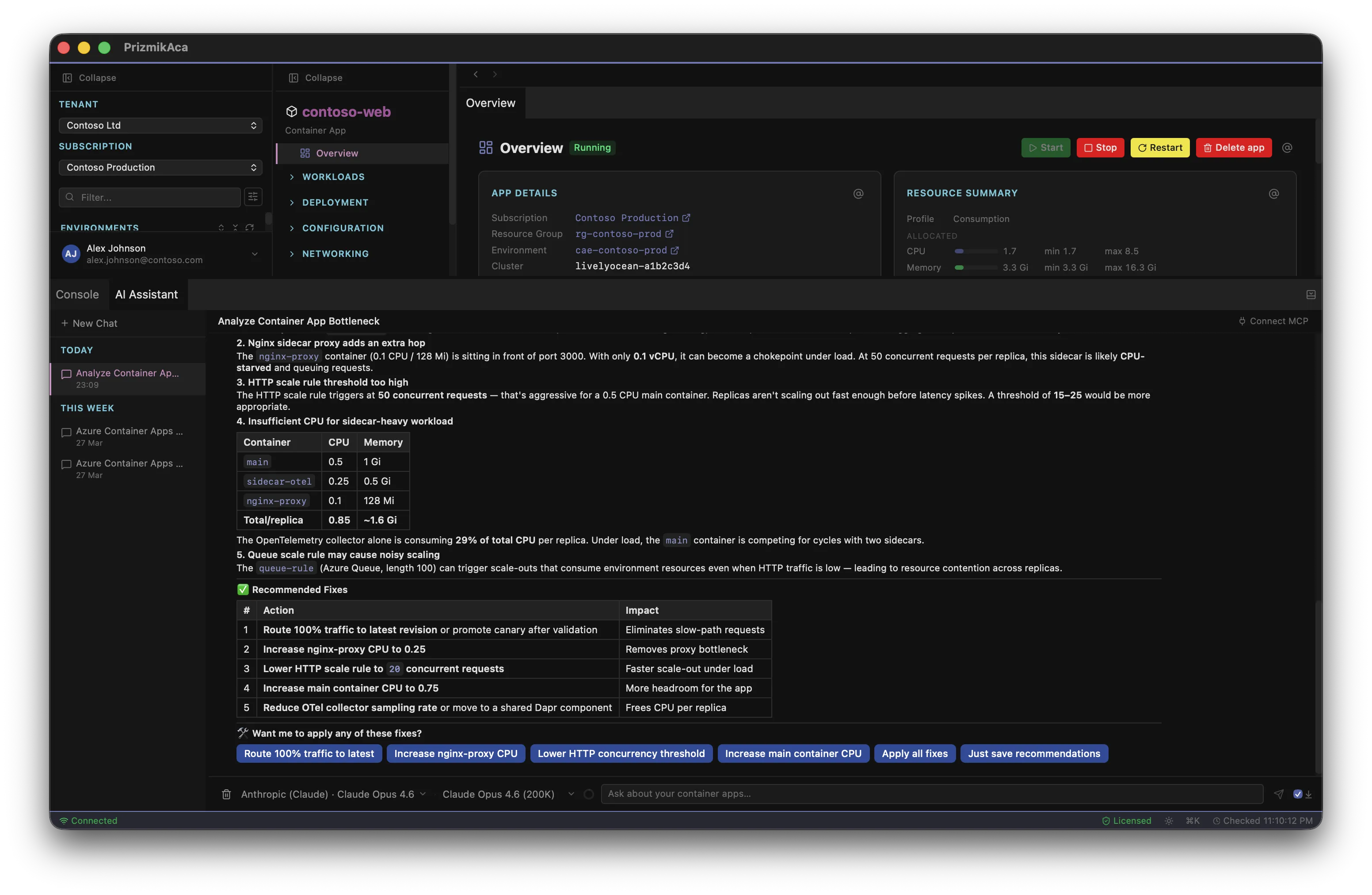
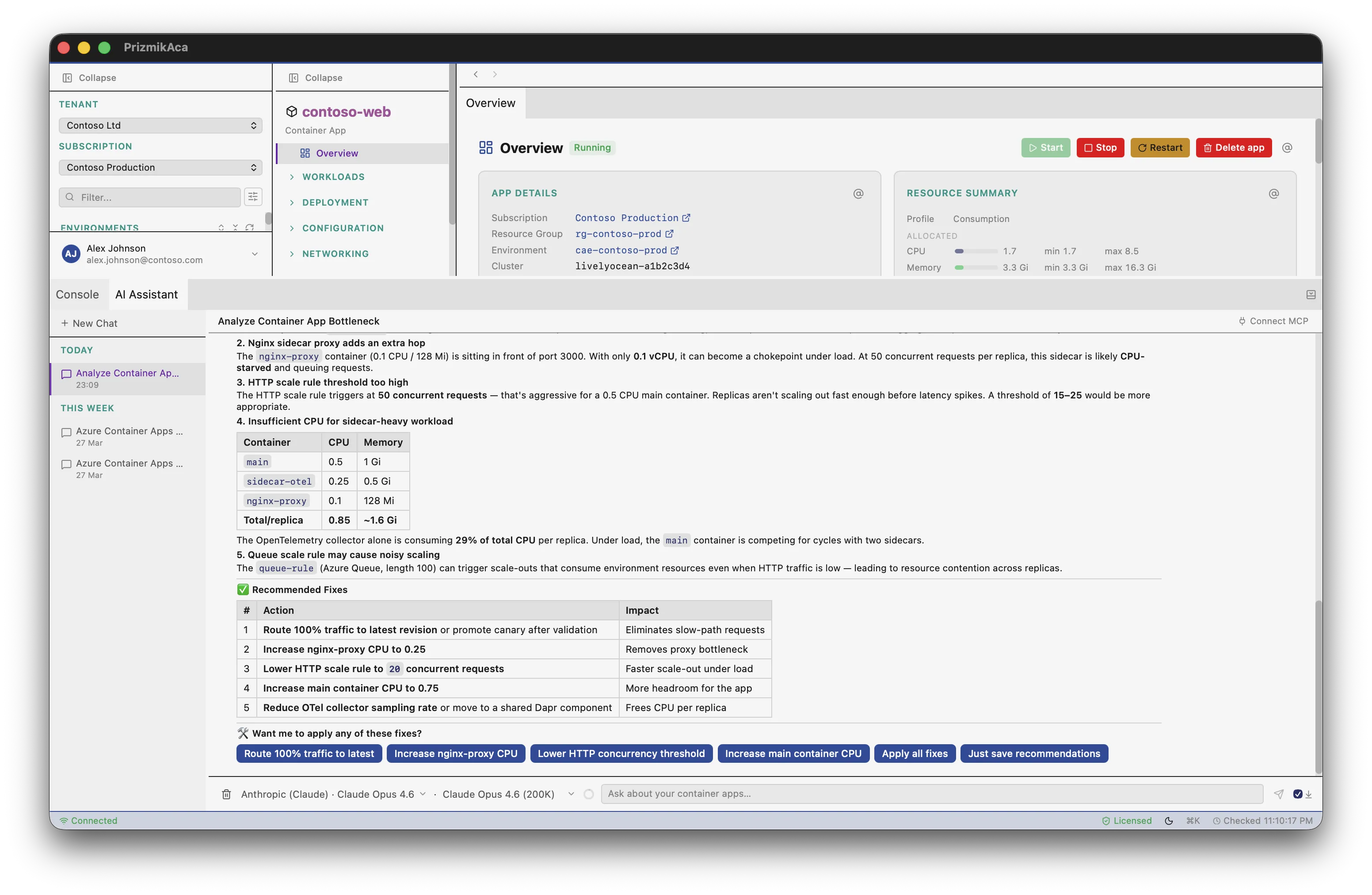
提案するだけでなく、行動するAI
確認と共にアクションを実行する60以上のツール。KQLクエリの注入と実行。コンテキスト分析用のAIプロンプトボタン。
コマンドパレットとキーボードナビゲーション
⌘Kですべてを移動。矢印キー、タブピン留め、分割パネル。
ゼロコンテキスト切り替え
ログ、コスト、メトリクス、RBAC、診断 — すべてがリソースの横のパネルに。3〜6のブレードホップはもう不要。
ネイティブ速度
ブラウザオーバーヘッドのないネイティブデスクトップアプリ。データがバックグラウンドで読み込まれる間にパネルが即座にレンダリングされます。
完全なCRUD、読み取り専用ではありません
ブラウザを開かずに、デプロイ、スロットのスワップ、ポリシーの編集、証明書の管理ができます。
ゼロテレメトリ
アナリティクスなし、トラッキングなし、データは私たちに送信されません。既存の認証情報を使用してAzure APIと直接通信します。
行動を起こすAI。
Azure CopilotはCLIコマンドを提案します。Prizmik AIは確認と共に操作を直接実行します。
| 機能 | Azure Copilot | Prizmik AI |
|---|---|---|
| プロバイダー | Microsoftのみ | 13プロバイダー |
| アクションを実行 | いいえ — CLIを提案 | 60以上のツール、バッチ確認 |
| KQLクエリ | KQLを実行できません | KQLを注入・実行 |
| MCPサーバー | いいえ | はい — IDEからのAI間コラボレーション |
| ワンクリック分析 | いいえ | AIプロンプトボタン |
Azure Portalを超えるダイアグラム
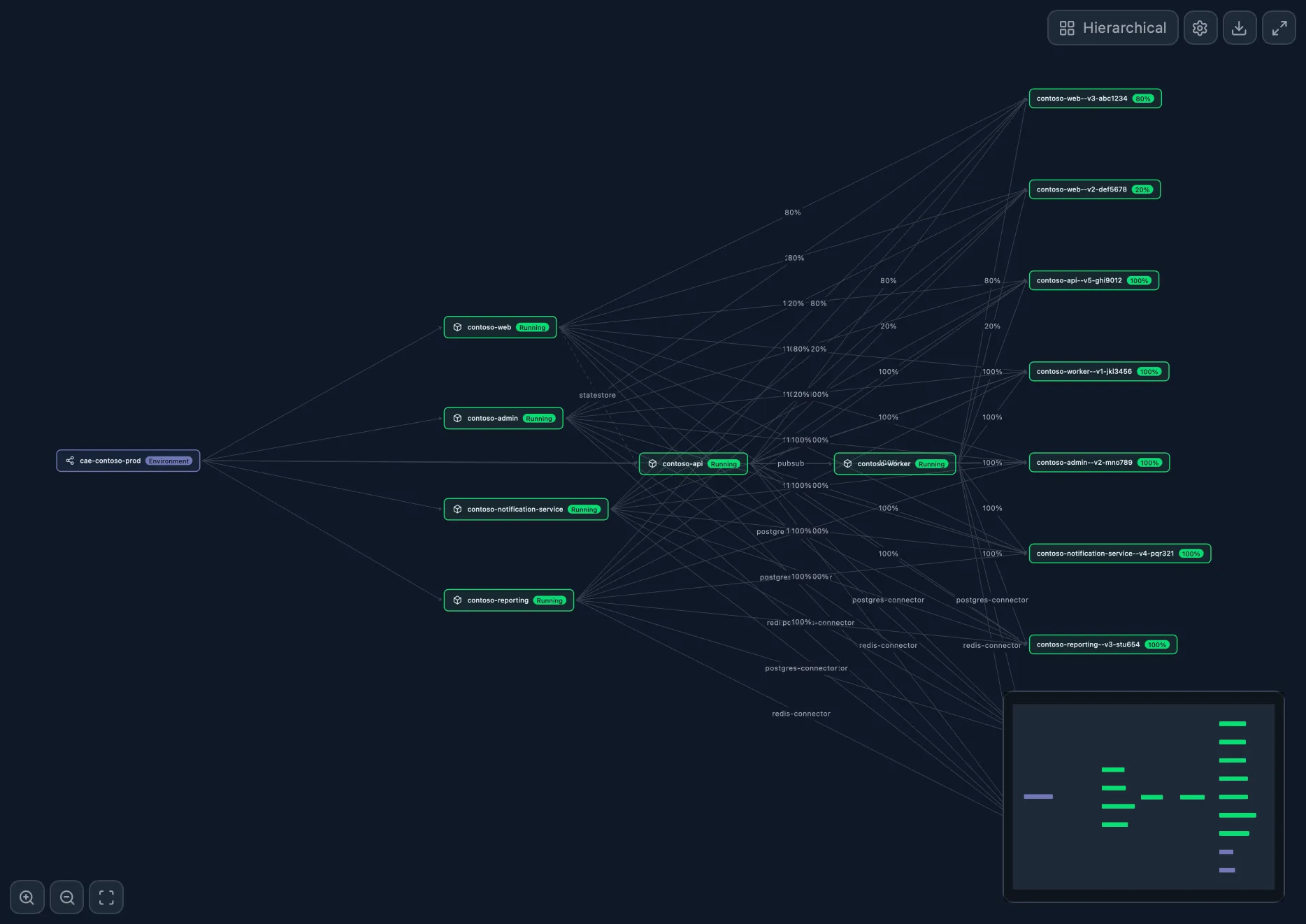
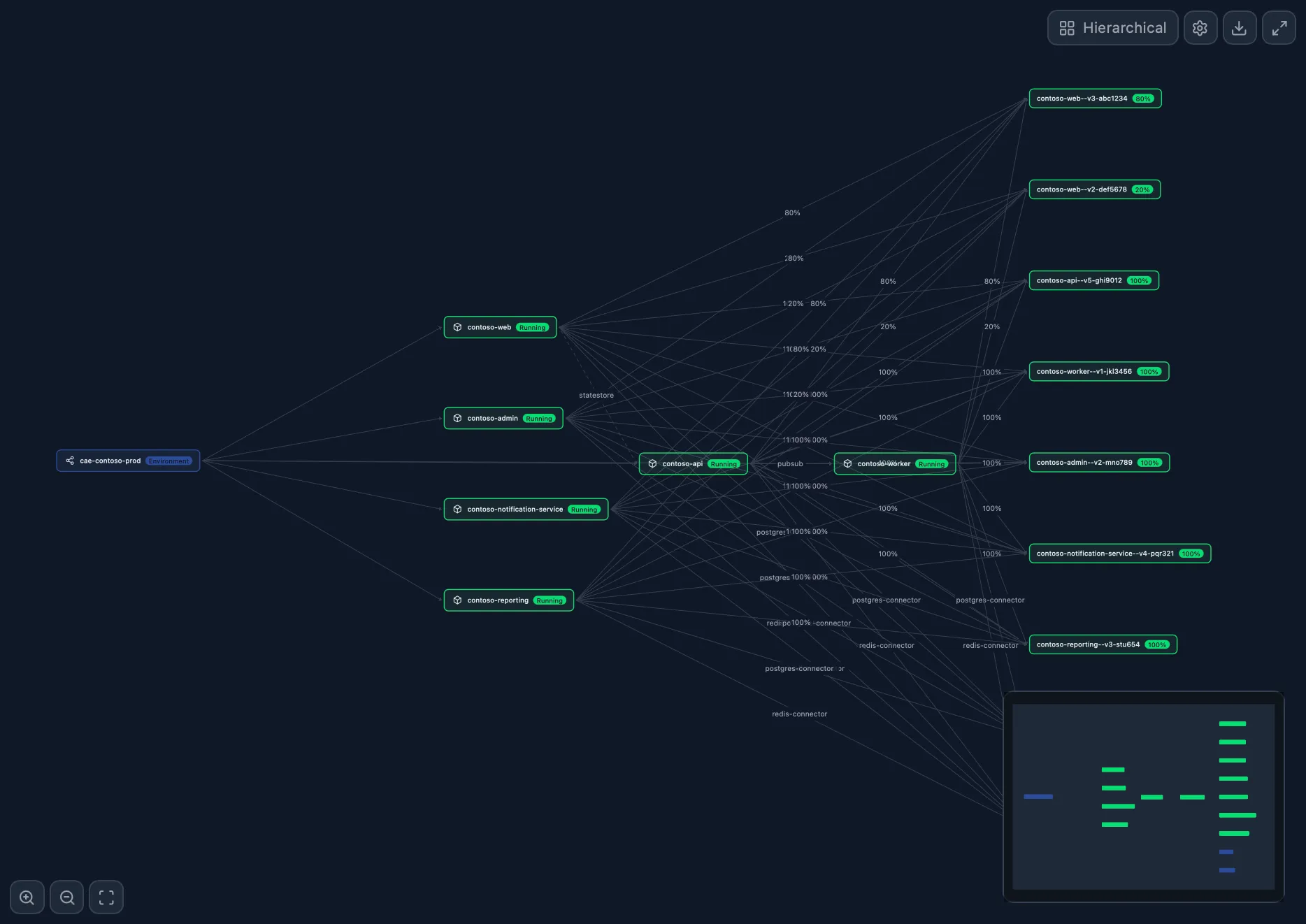
Environment Topology
AcaNode-graph of apps, revisions, and Dapr edges
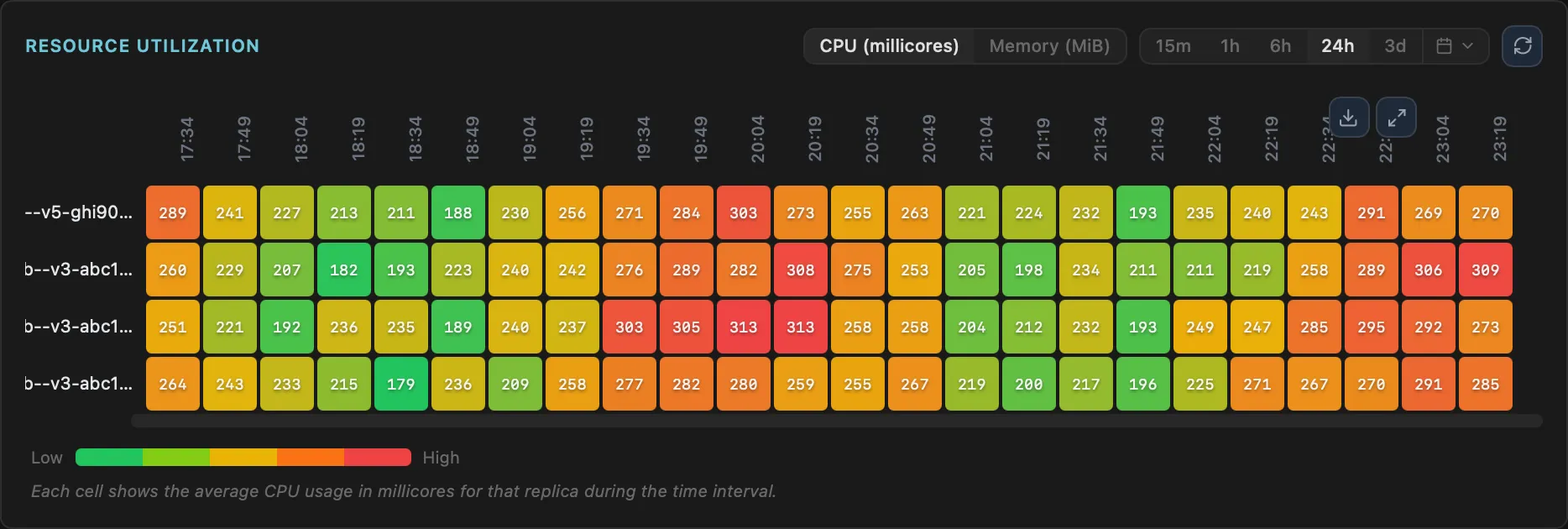
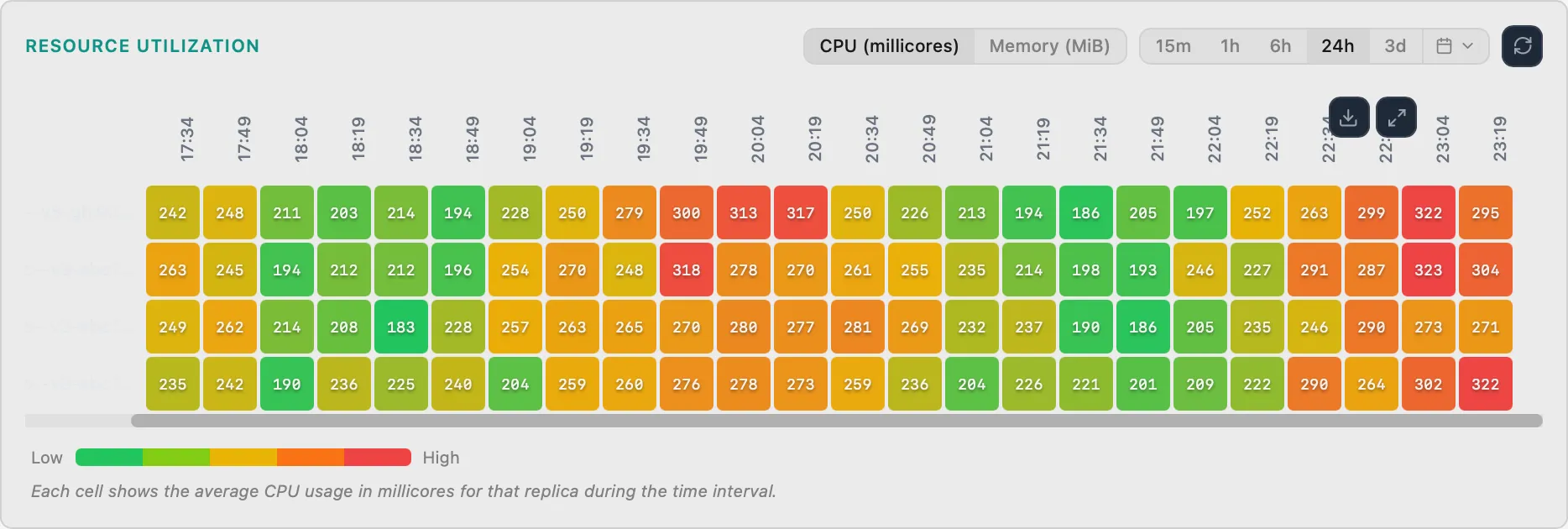
Replica Heatmap
AcaCPU/memory heatmap per replica
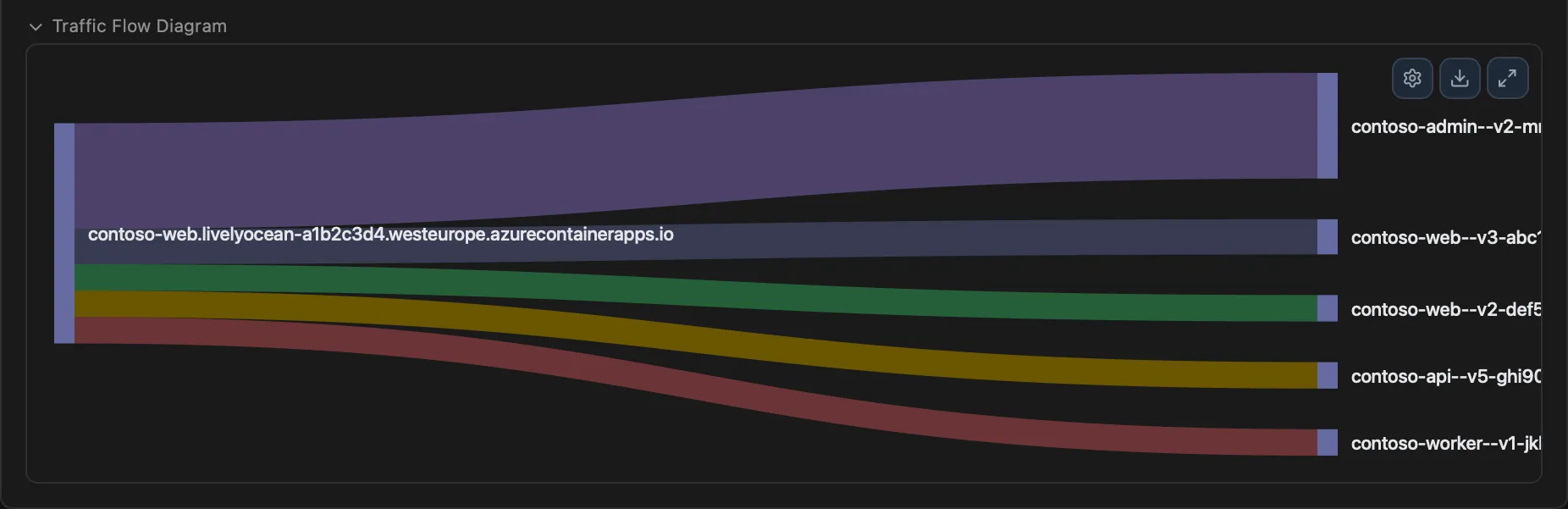
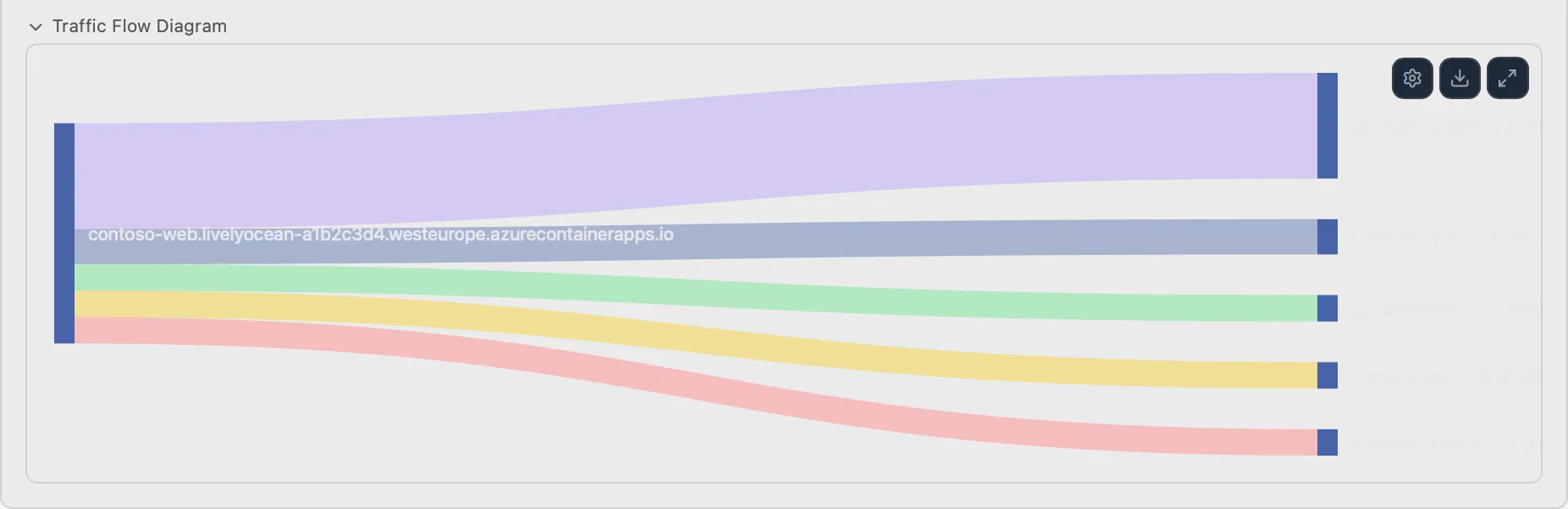
Traffic Split Sankey
AcaTraffic flow between revisions
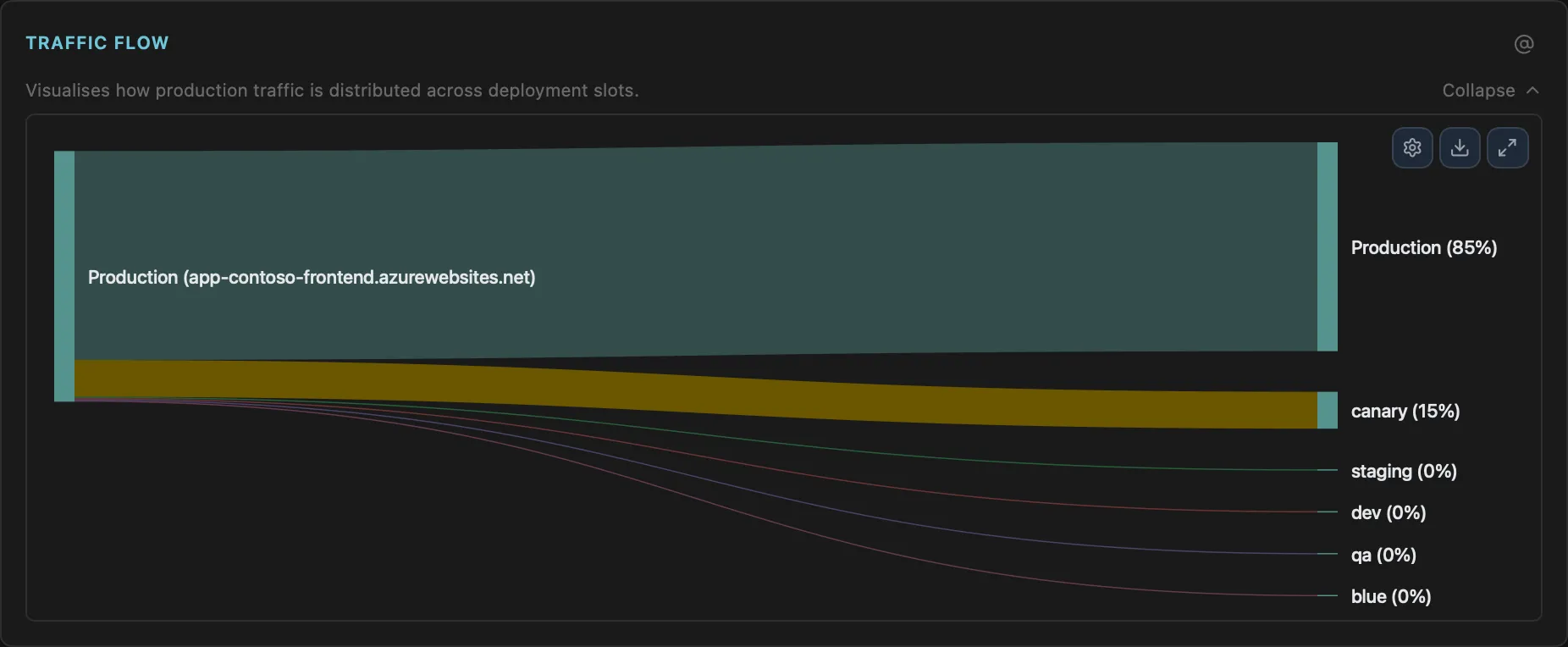
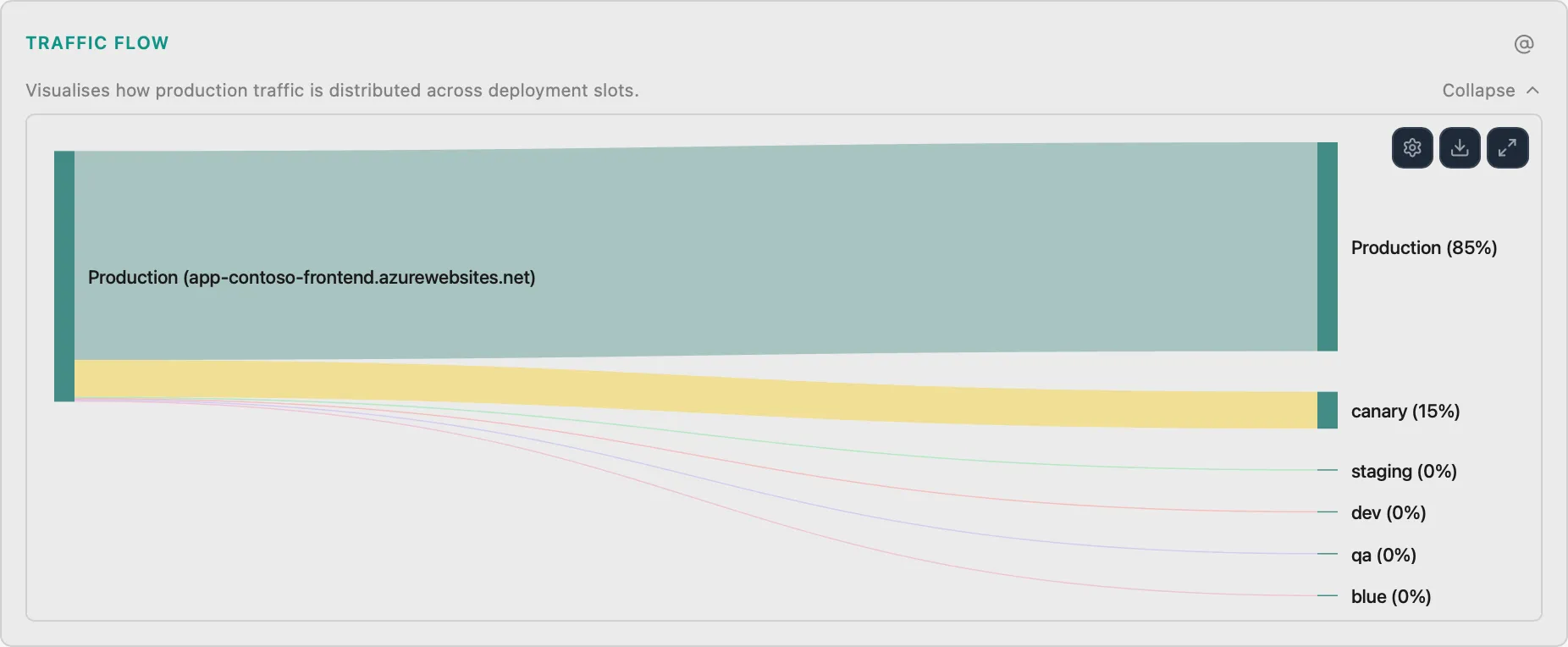
Deployment Slot Traffic Flow
WebVisualize traffic routing between slots
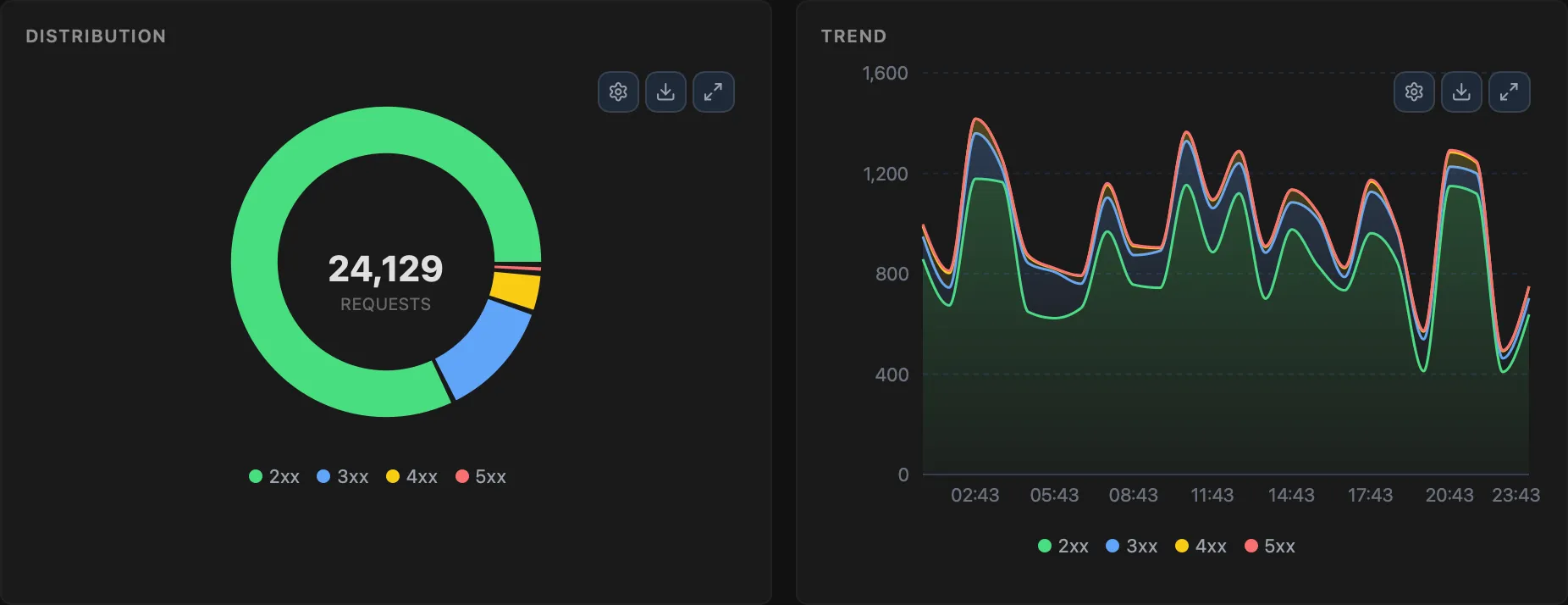
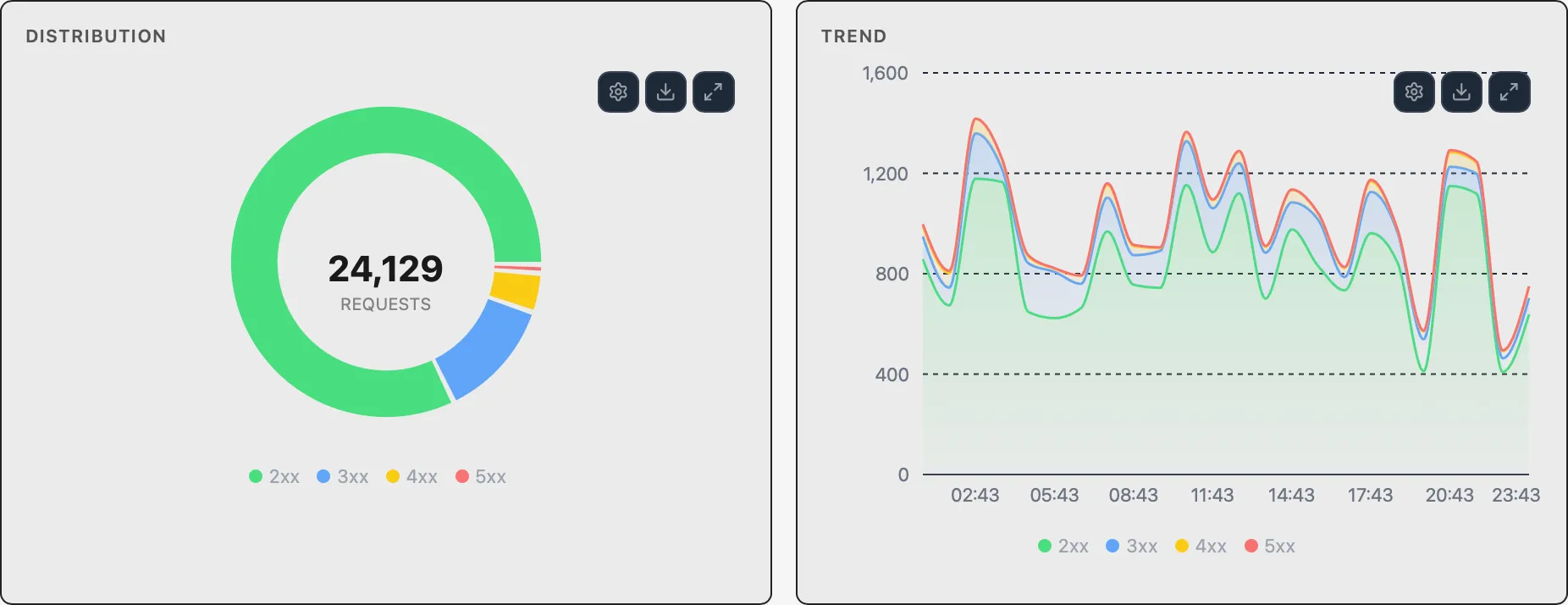
HTTP Status Distribution
WebDonut chart and stacked area trend of HTTP status codes
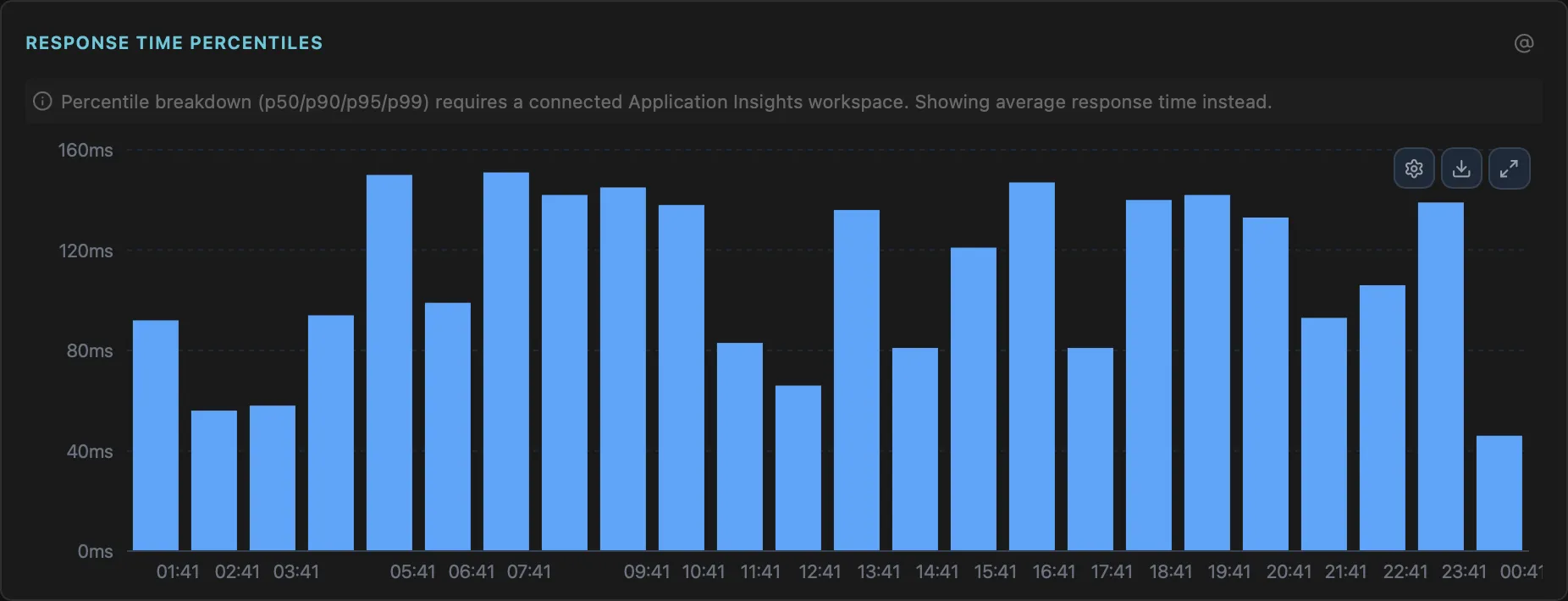
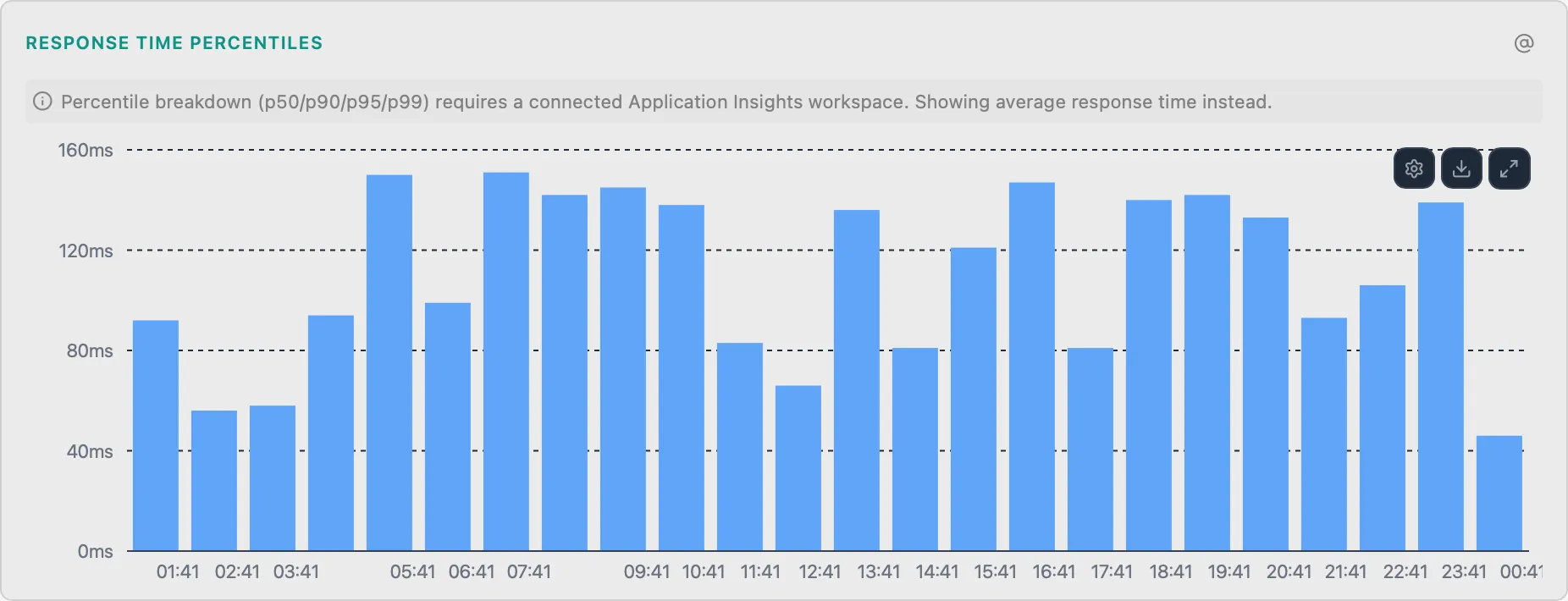
Response Time Percentiles
WebP50/P90/P95/P99 latency stacked bar chart
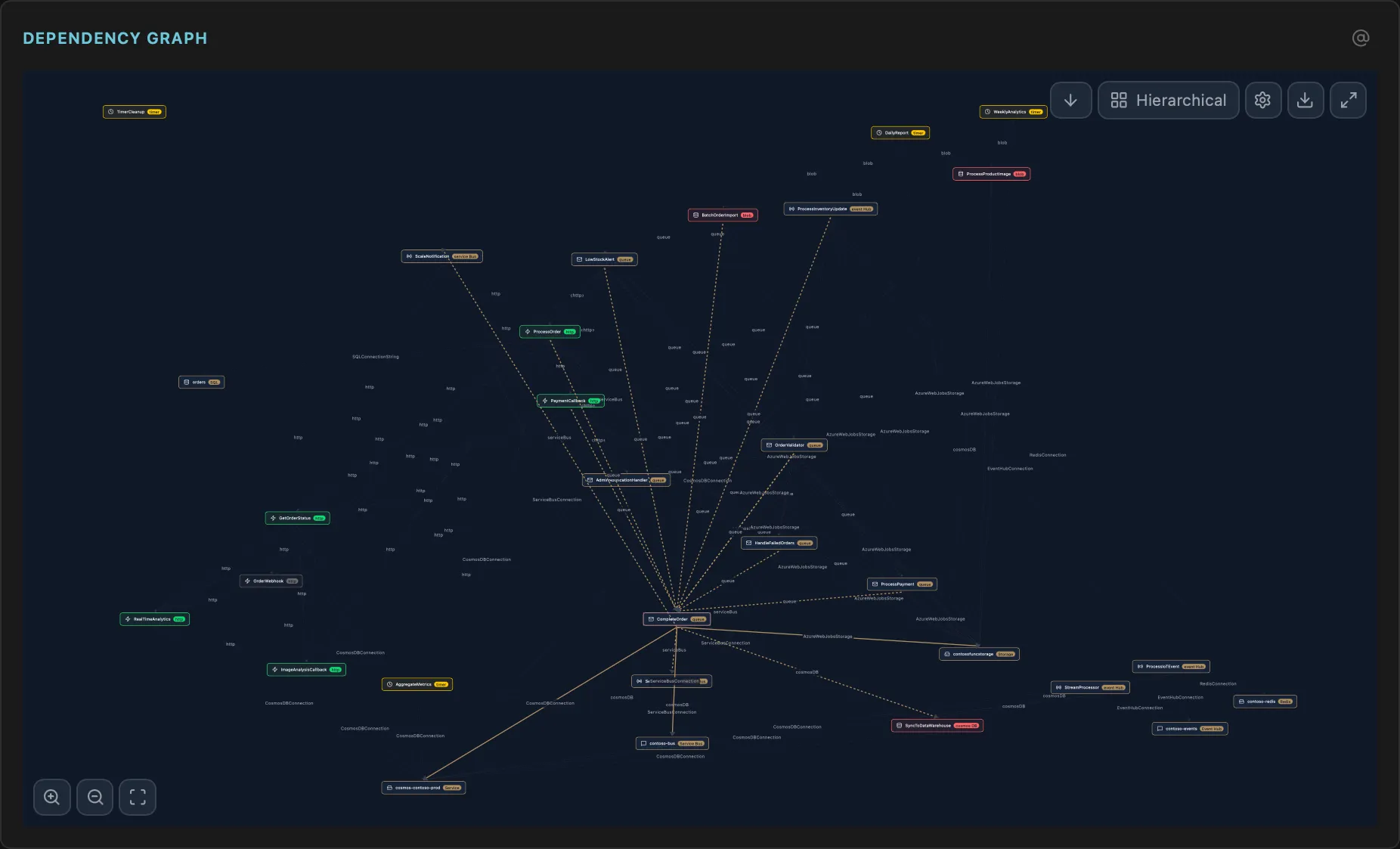
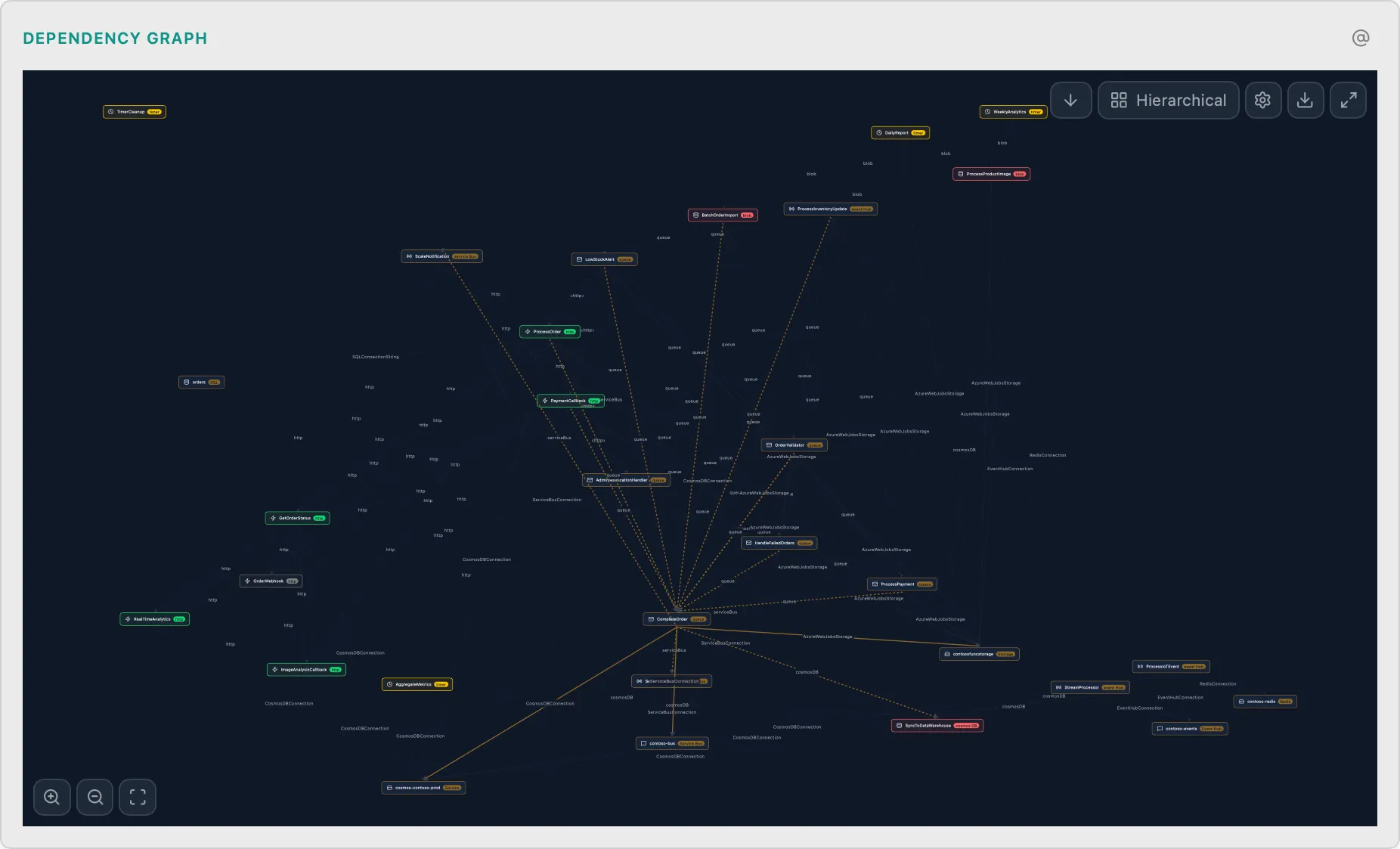
Function Dependency Graph
FuncFunctions → Triggers → Bindings visualization
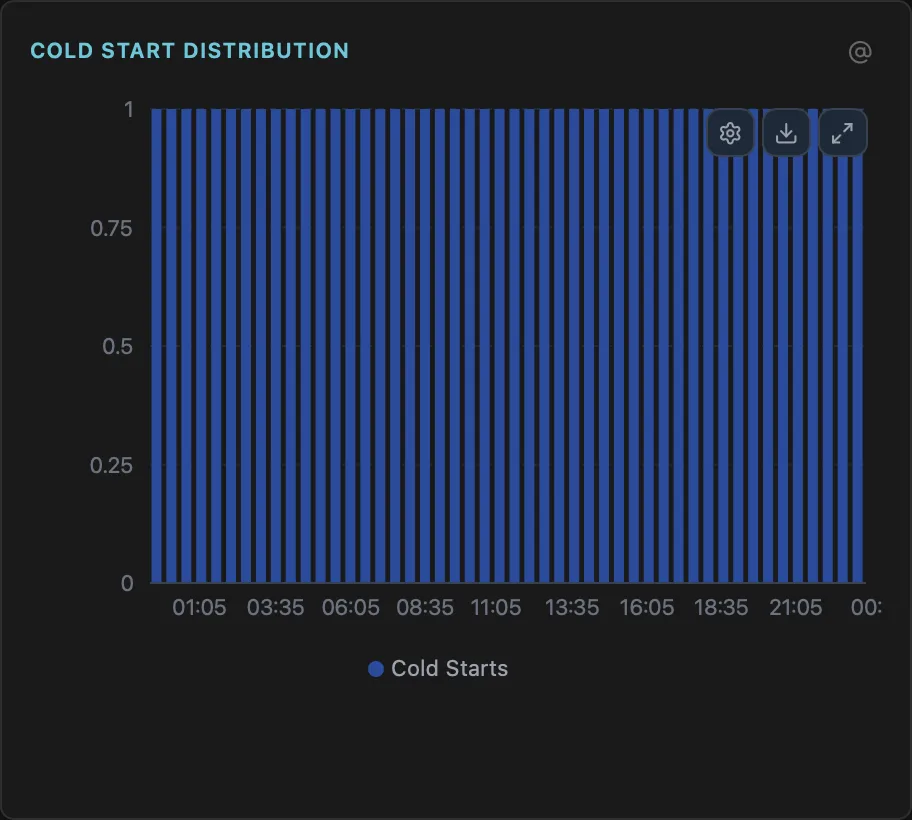
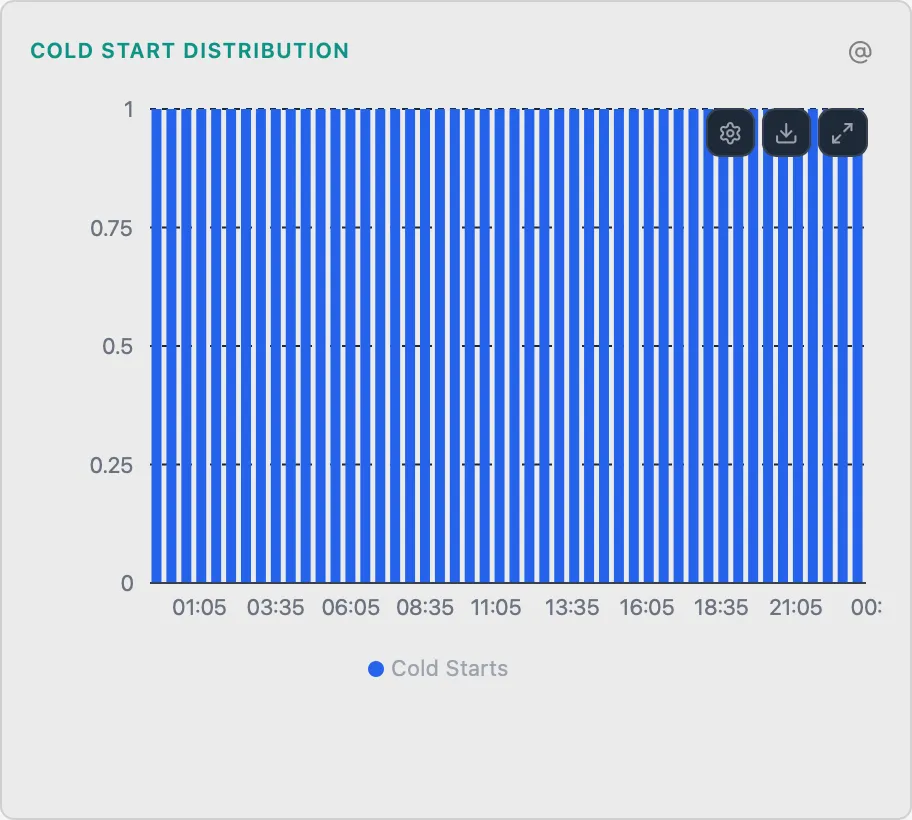
Cold Start Distribution
FuncStacked bar chart of cold start latencies over time
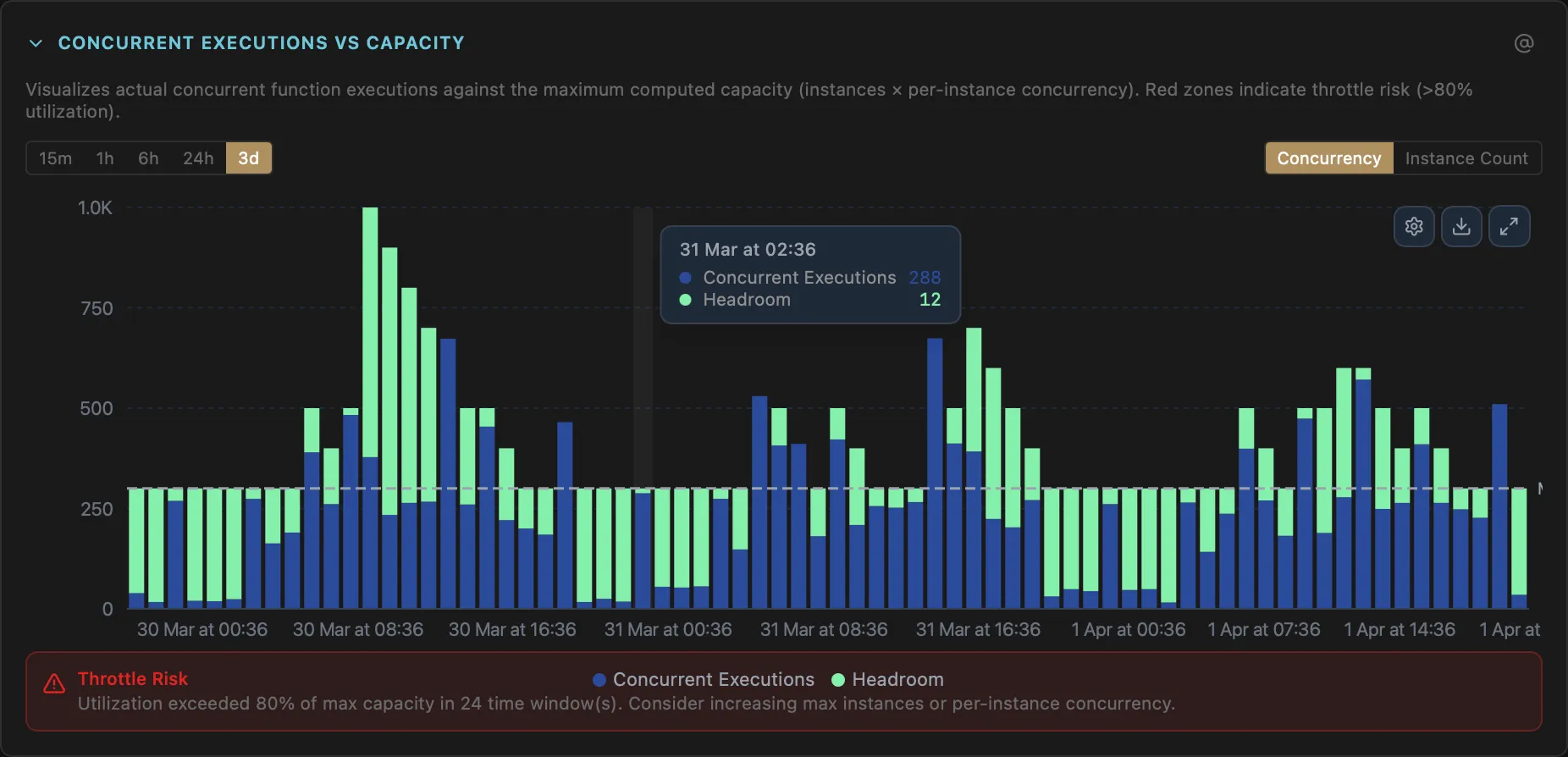
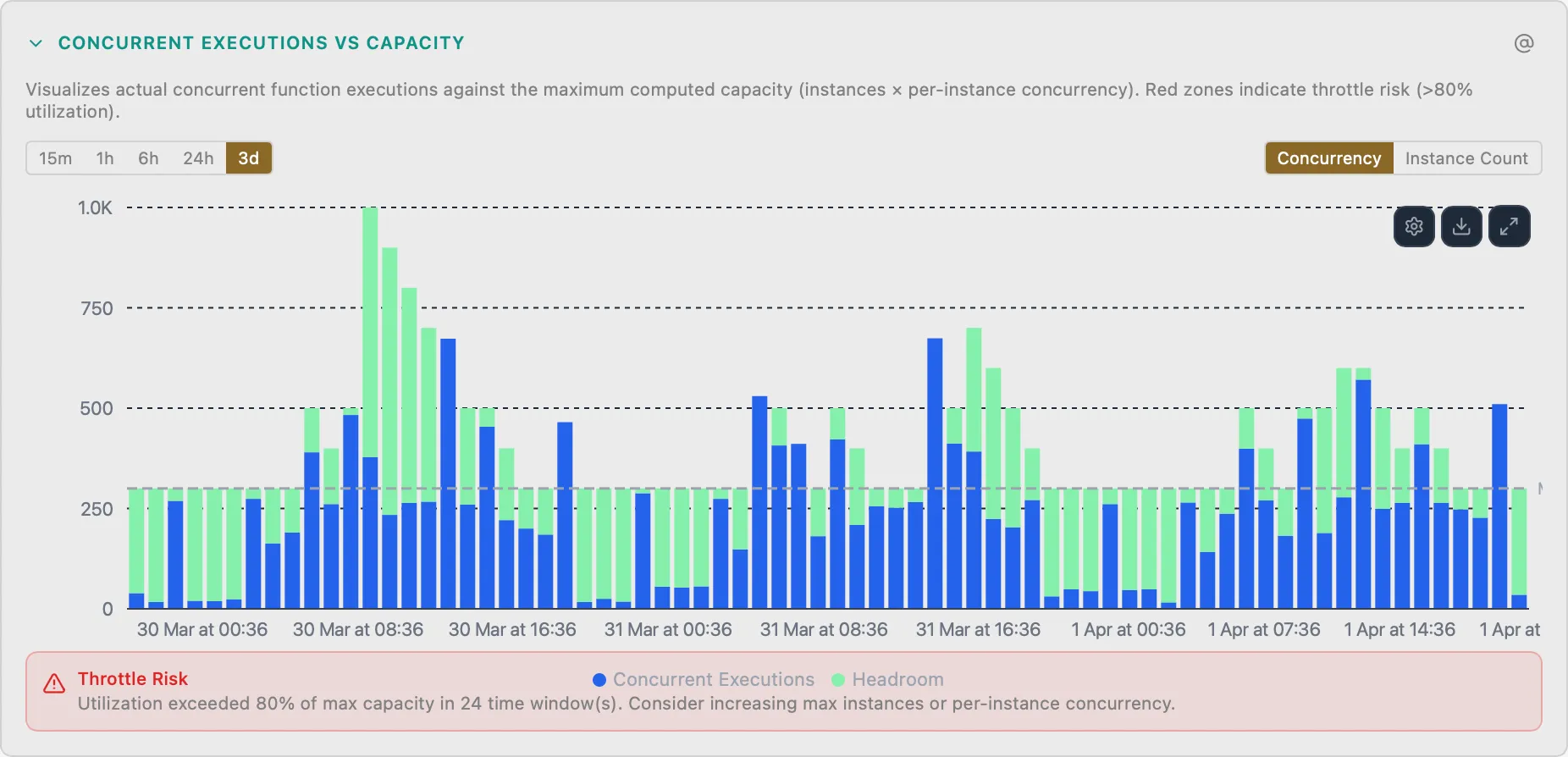
Flex Consumption Concurrency
FuncConcurrent executions vs capacity stacked bar chart
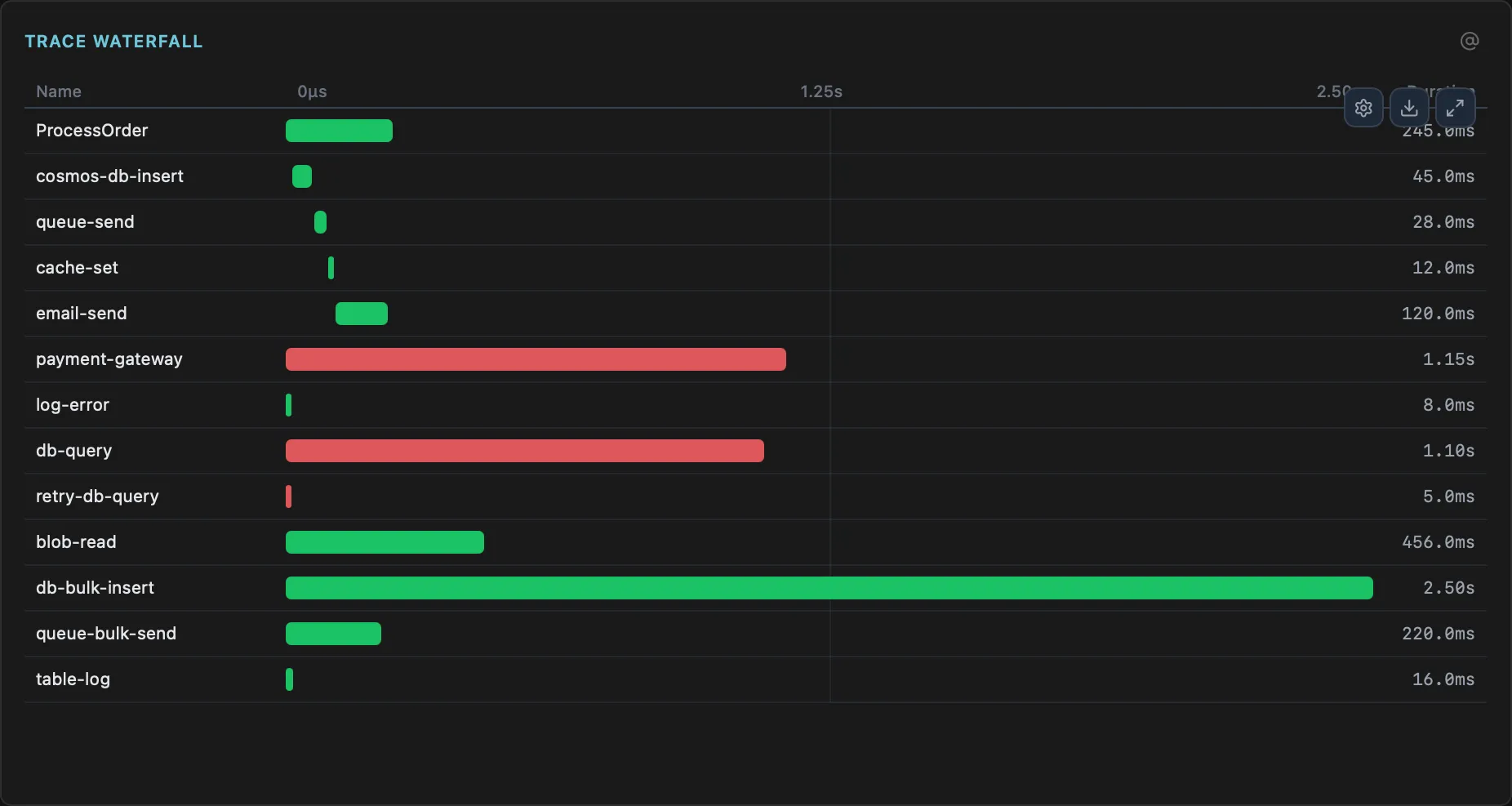
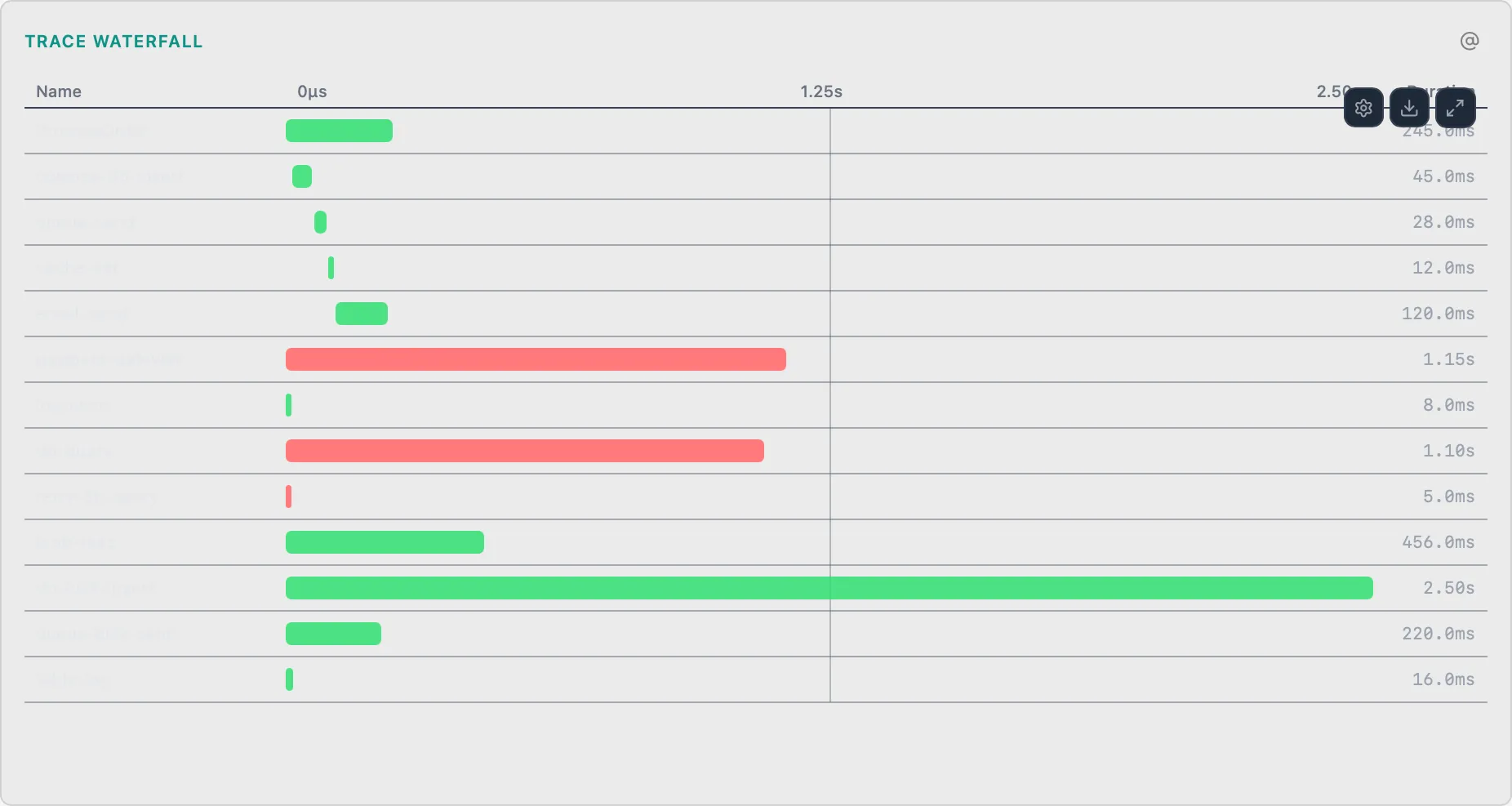
Distributed Trace Waterfall
FuncEnd-to-end request trace with function chains and dependency timing
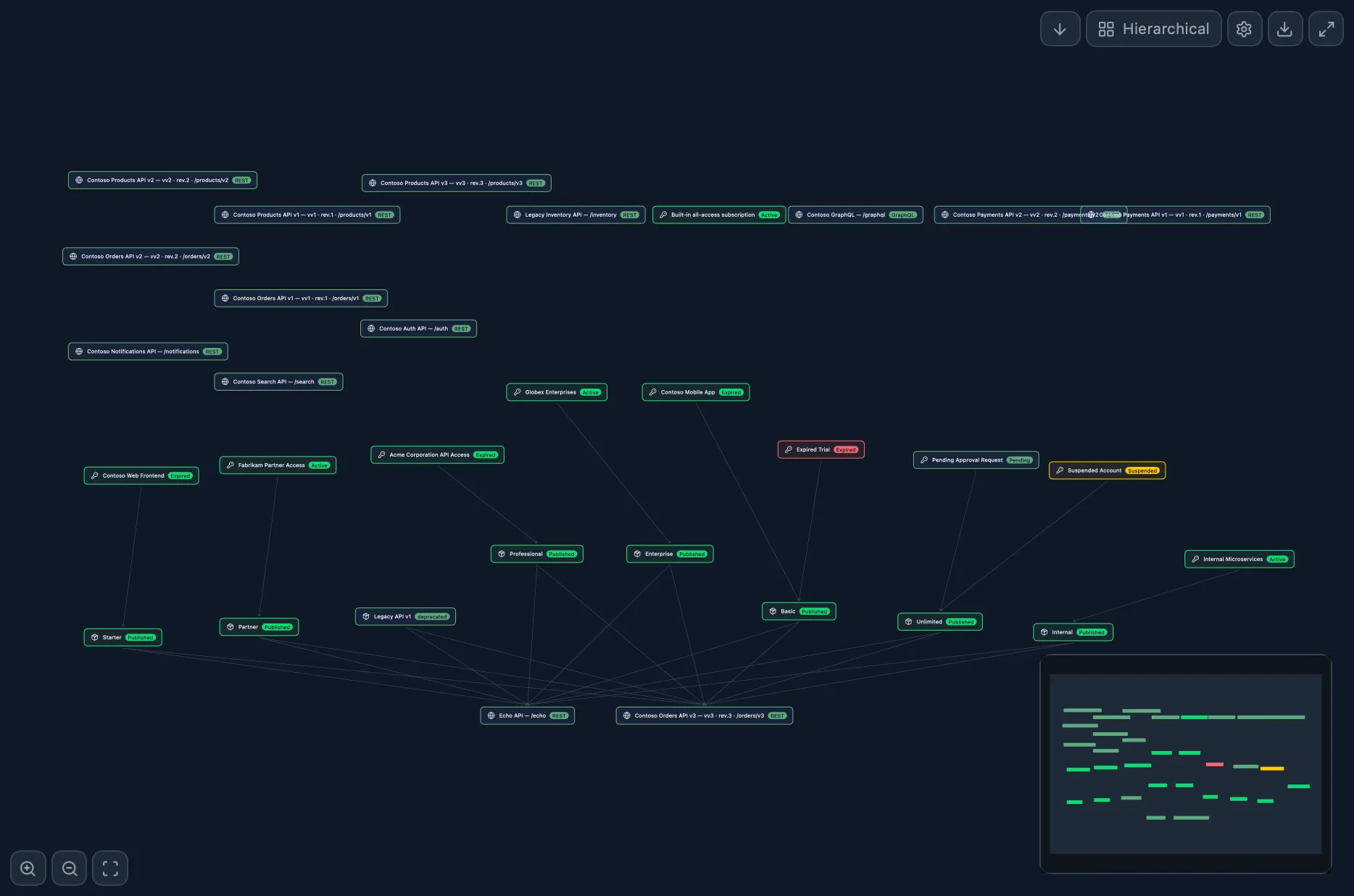
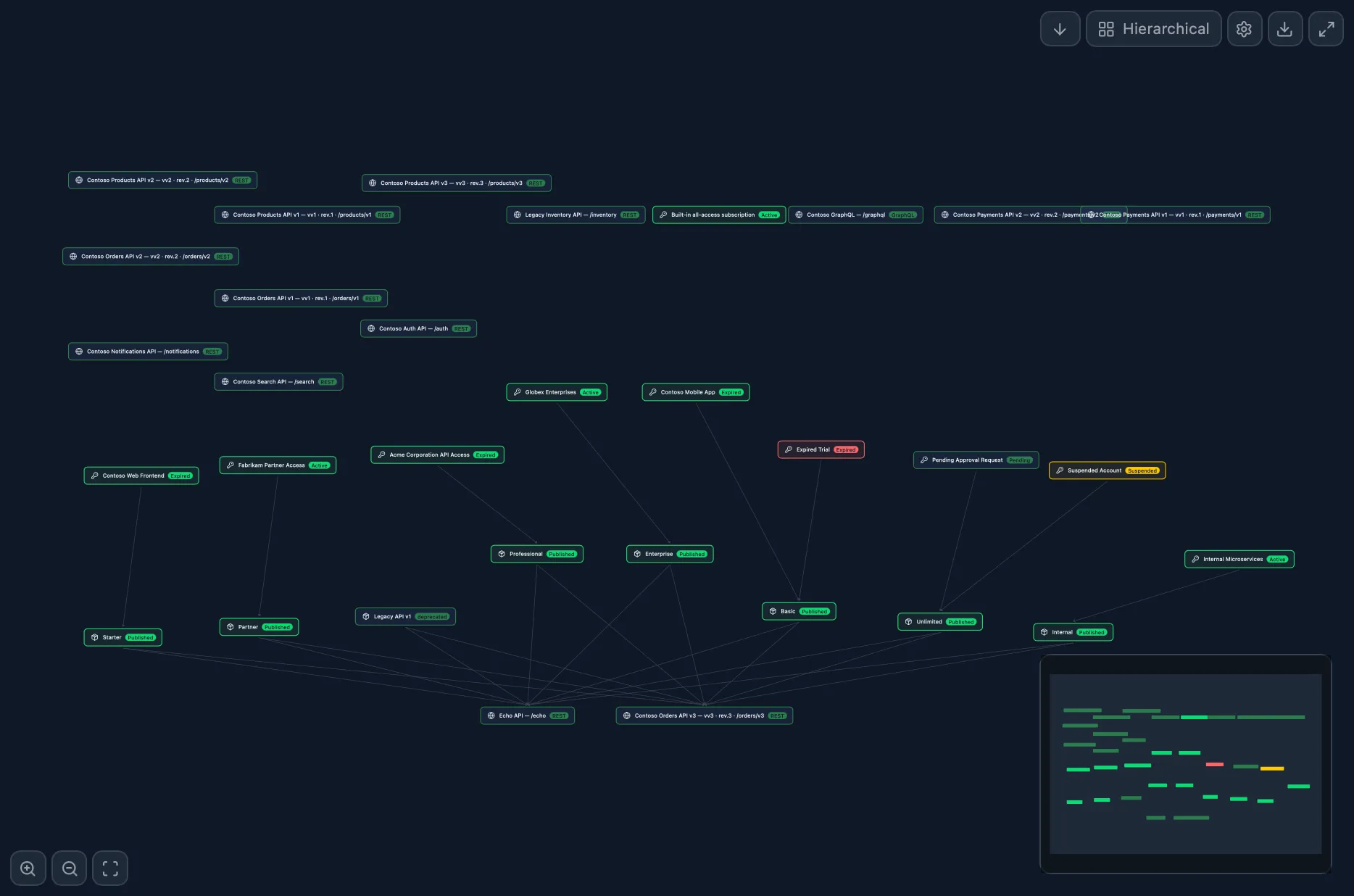
API→Product→Subscription Graph
ApiRelationship topology across entities
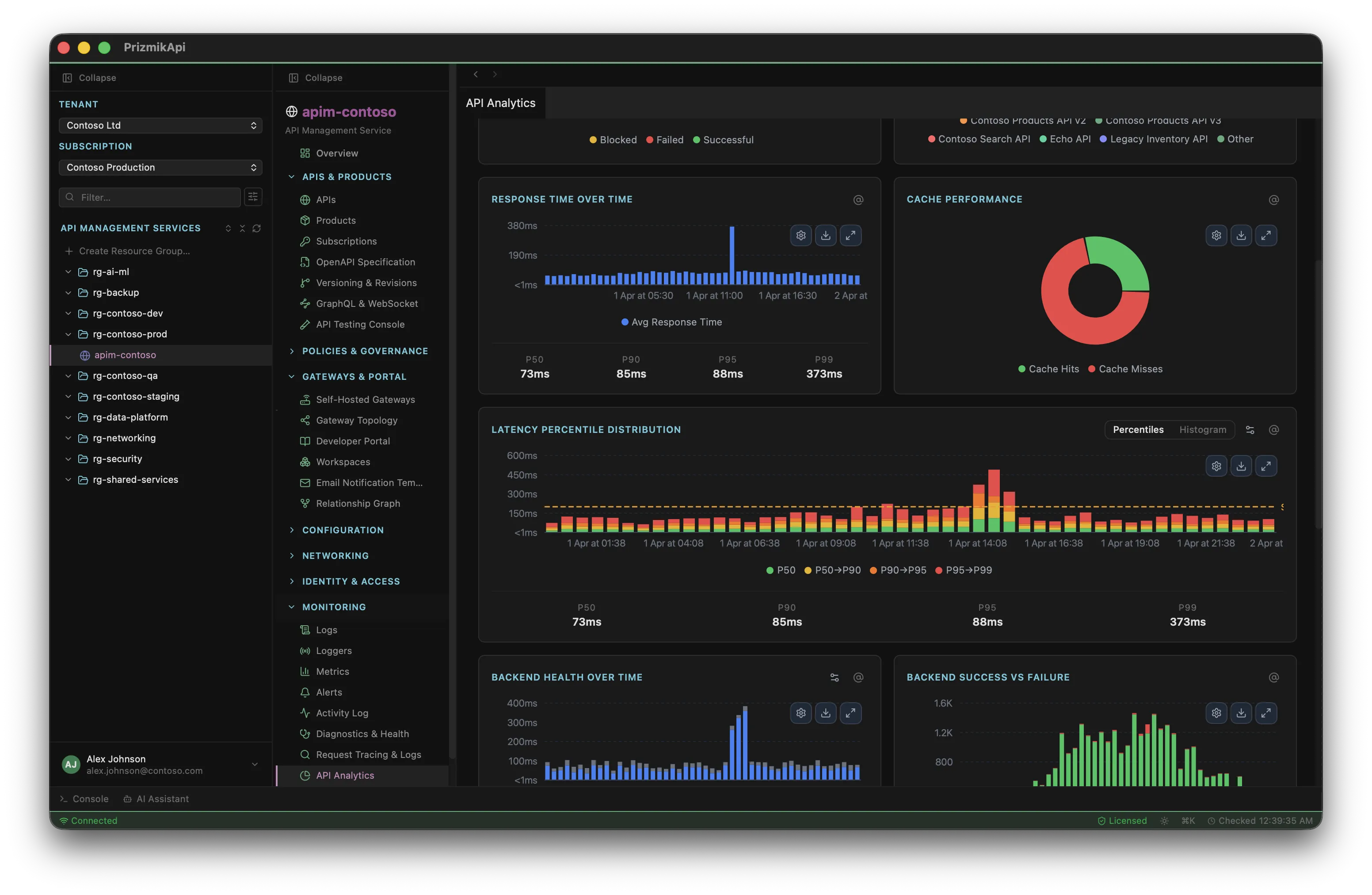
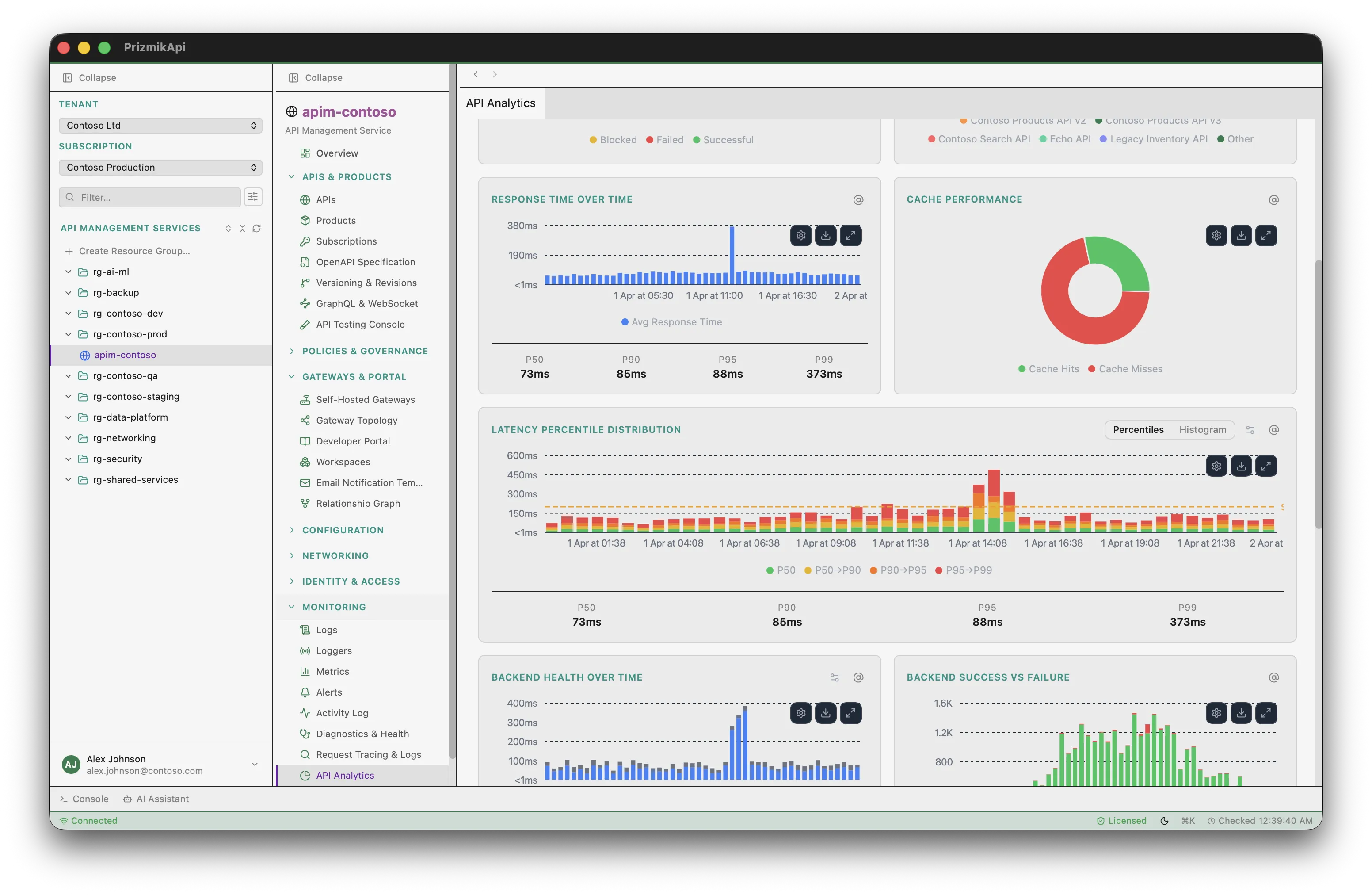
API Analytics Dashboard
ApiStacked bar, donut, and percentile charts
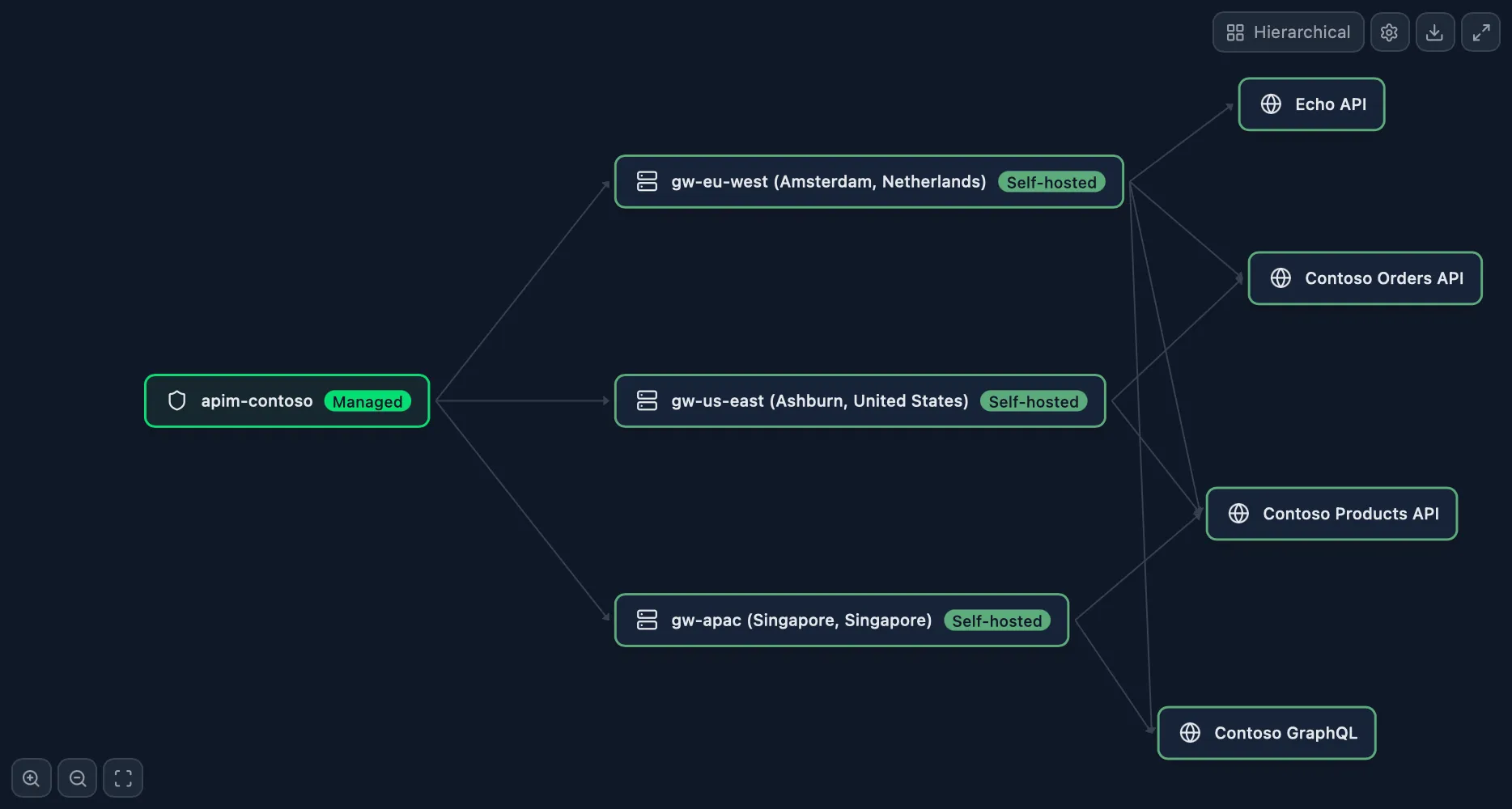
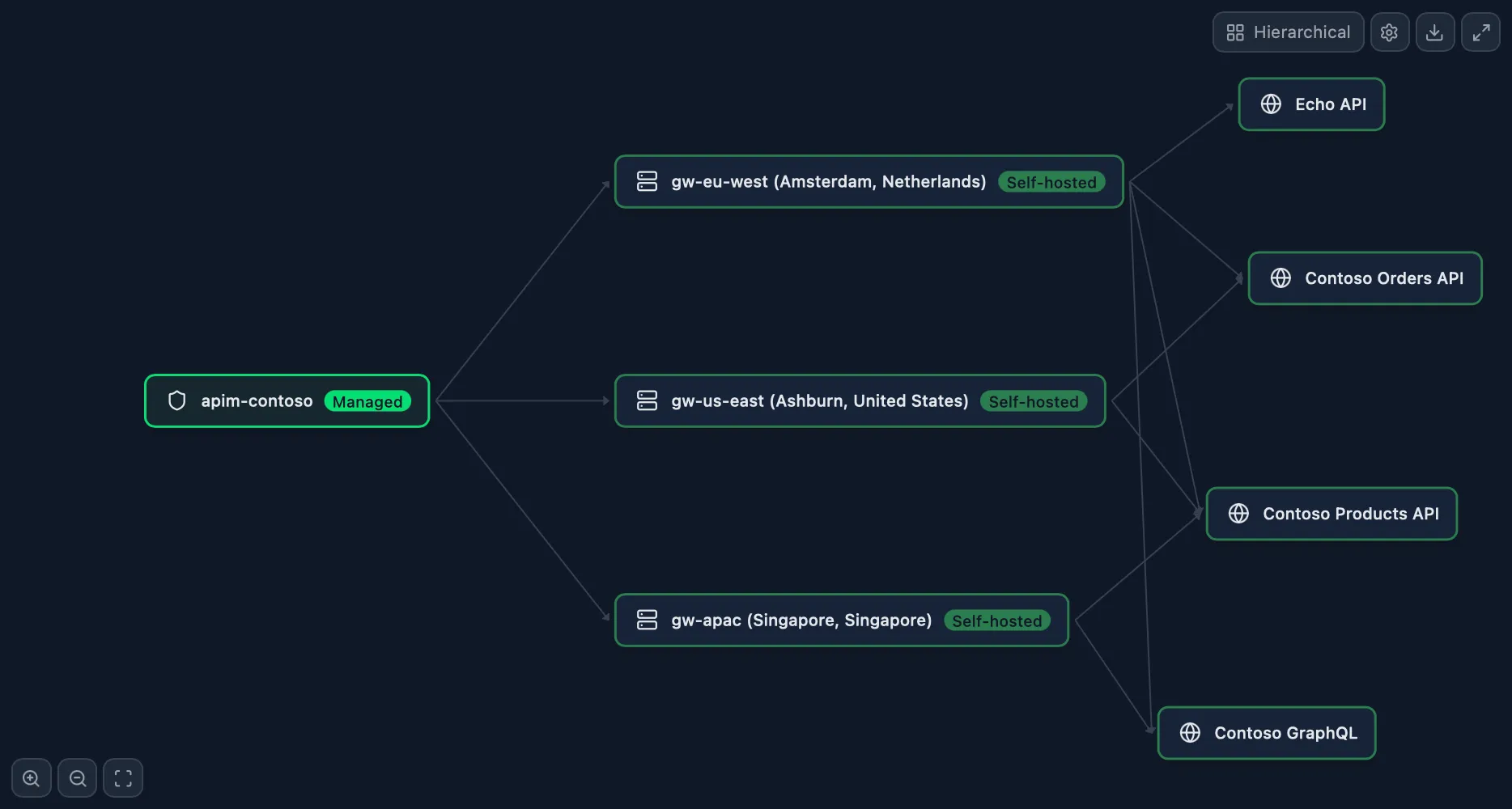
Gateway Topology
ApiSelf-hosted gateways mapped to locations
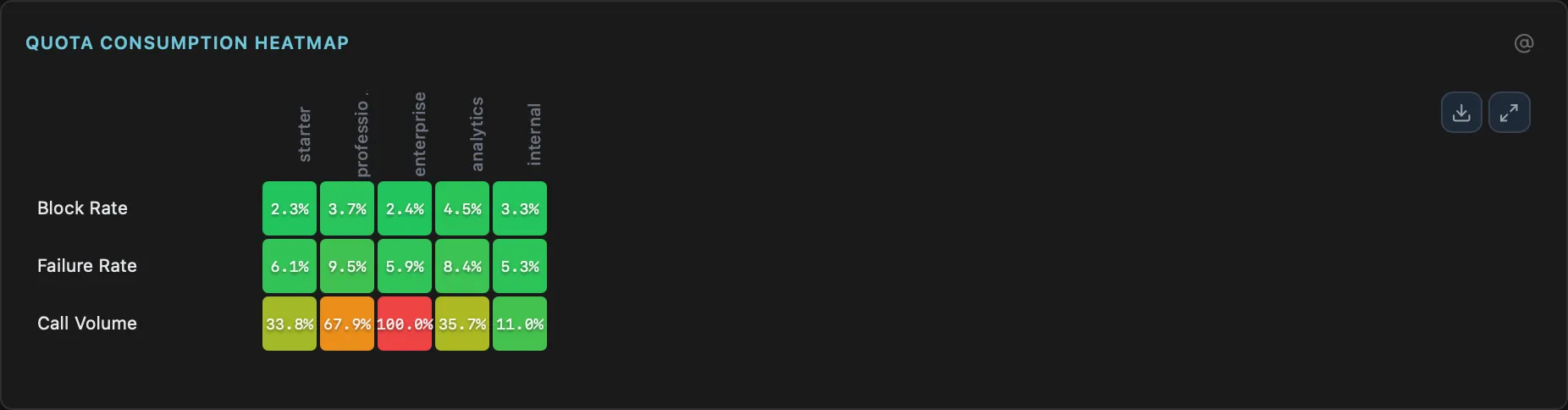
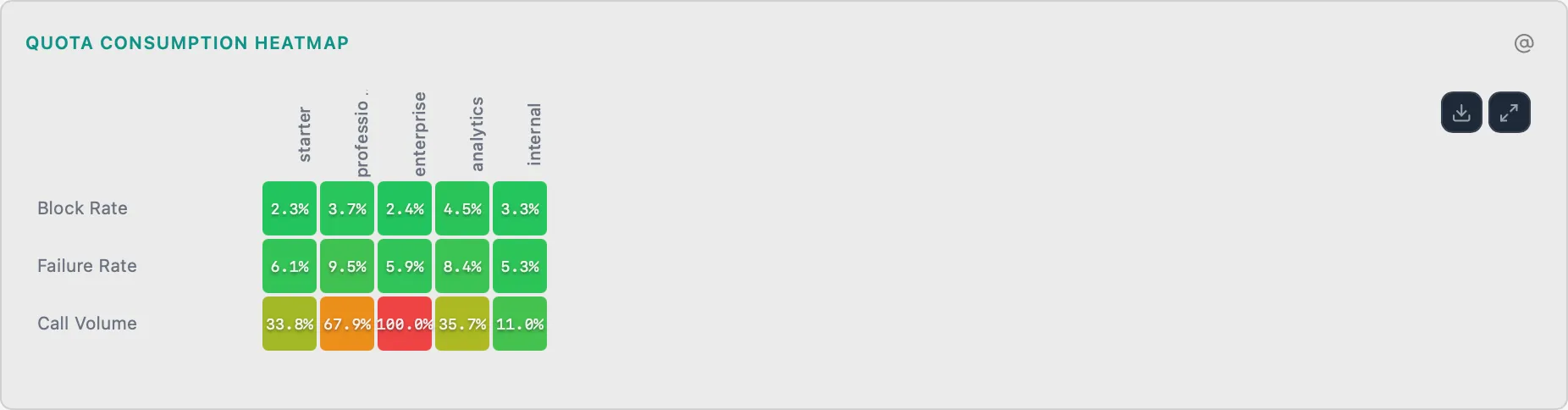
Rate Limit & Quota Heatmap
ApiPer-subscription quota consumption heatmap with throttle thresholds
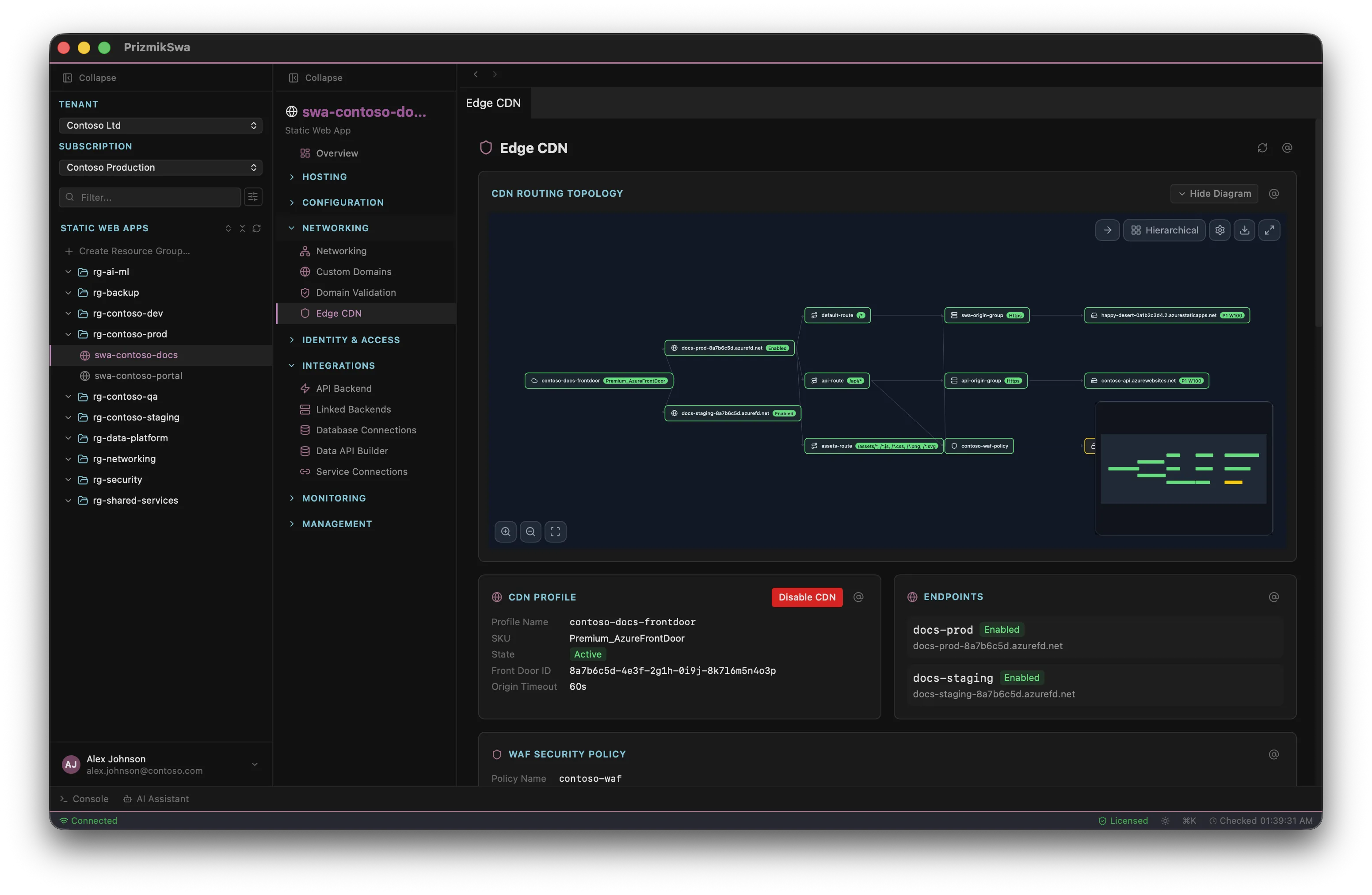
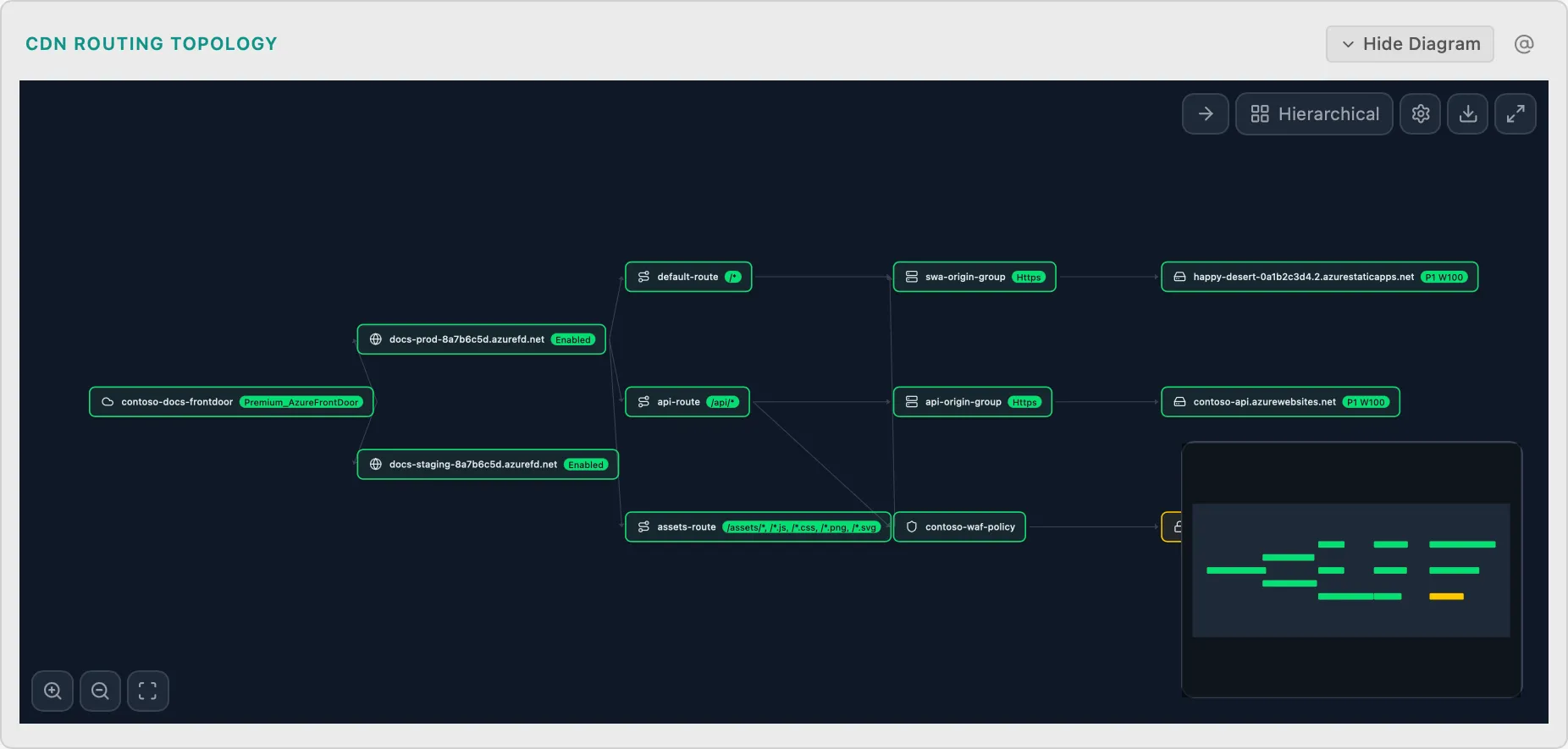
Edge CDN Routing Topology
SwaCDN routing and edge function flow
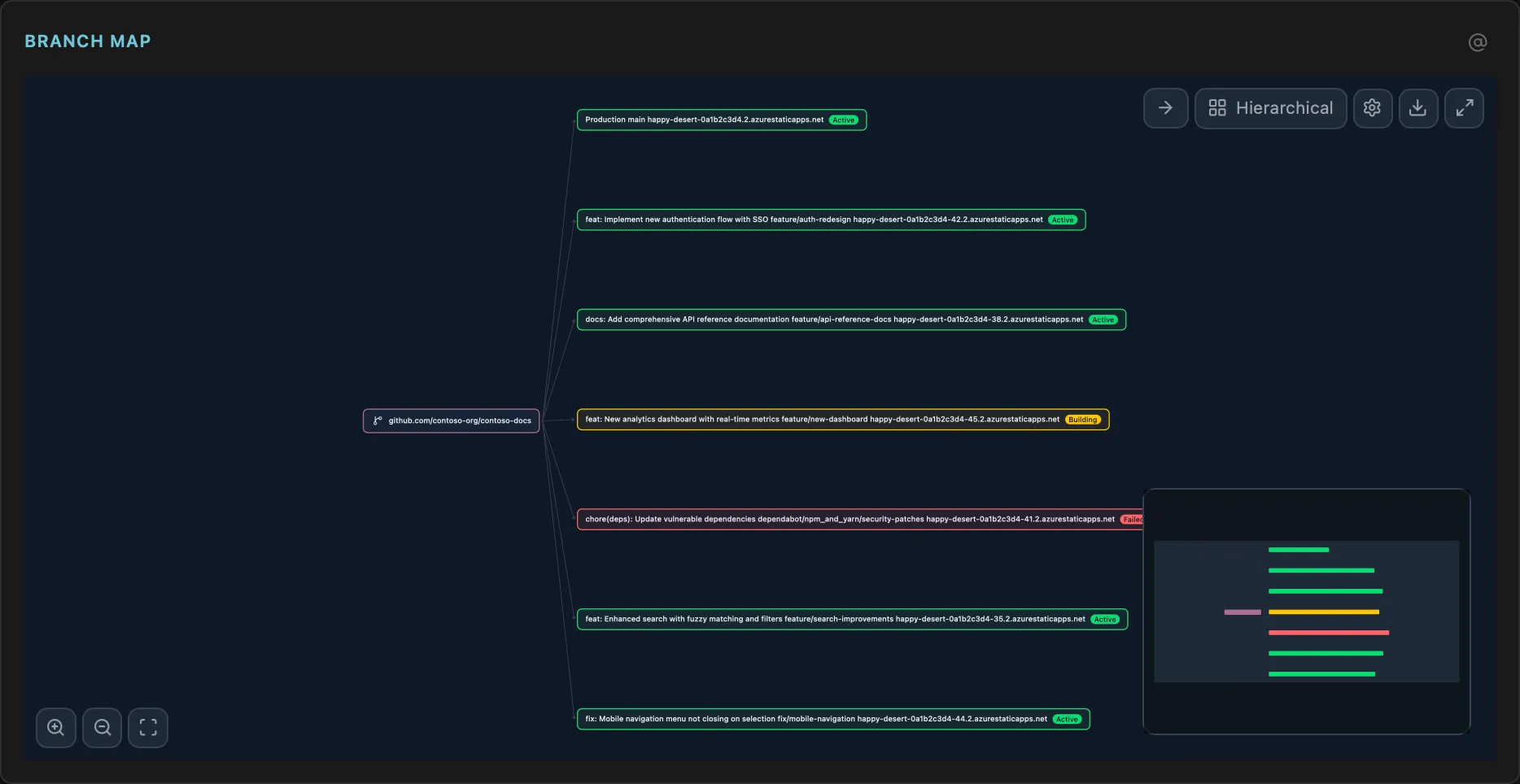
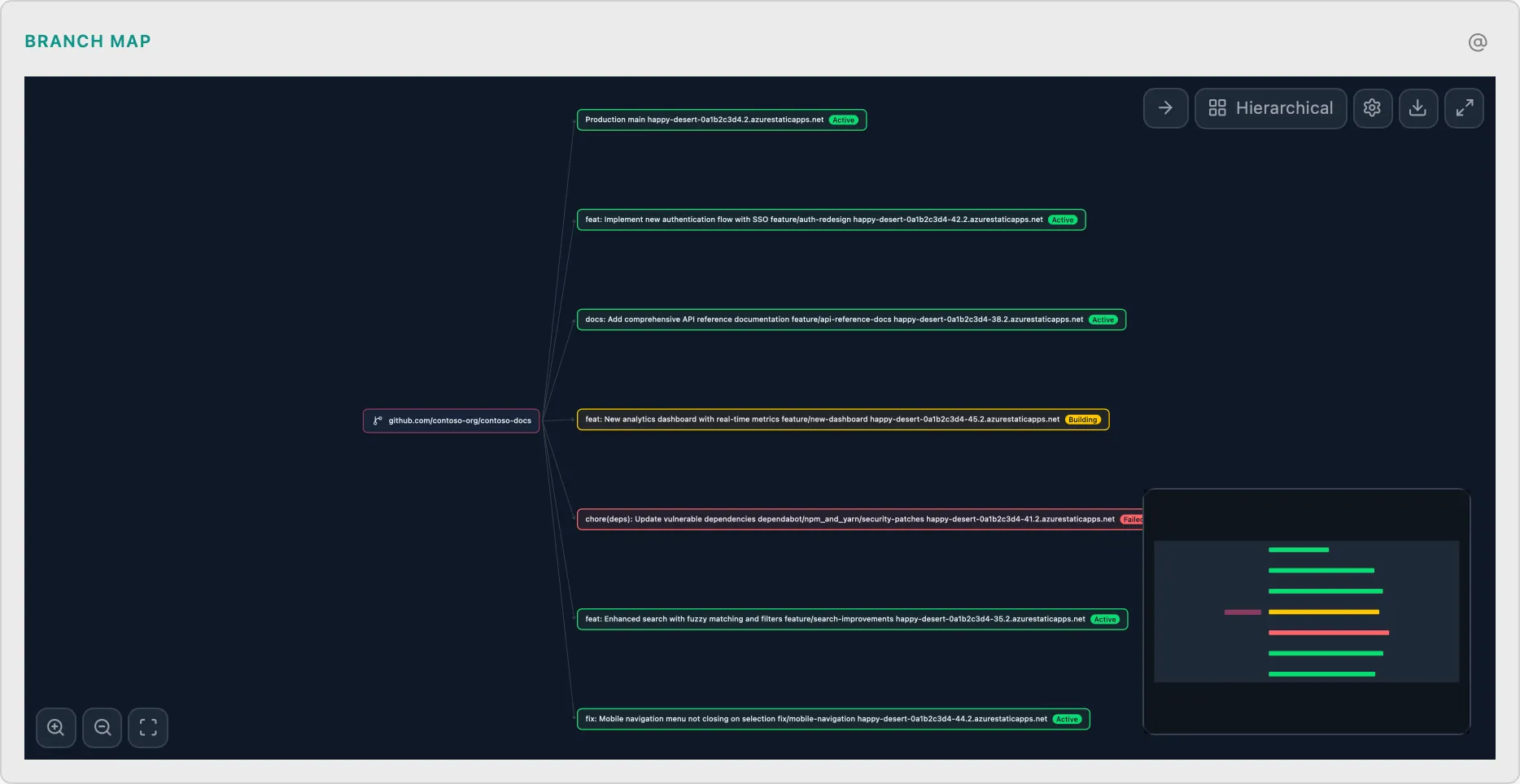
Environment Branch Map
SwaPreview environments linked to branches
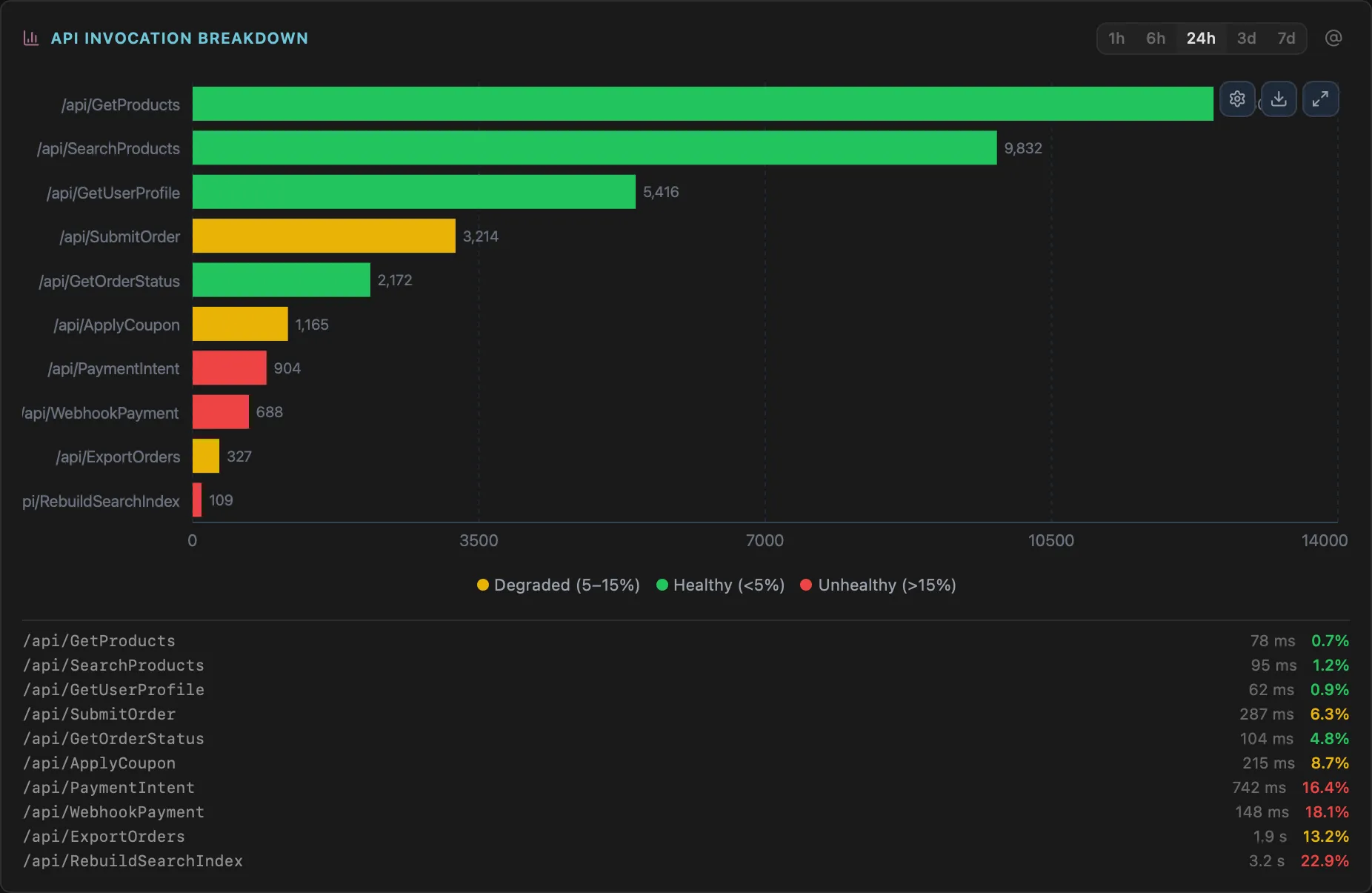
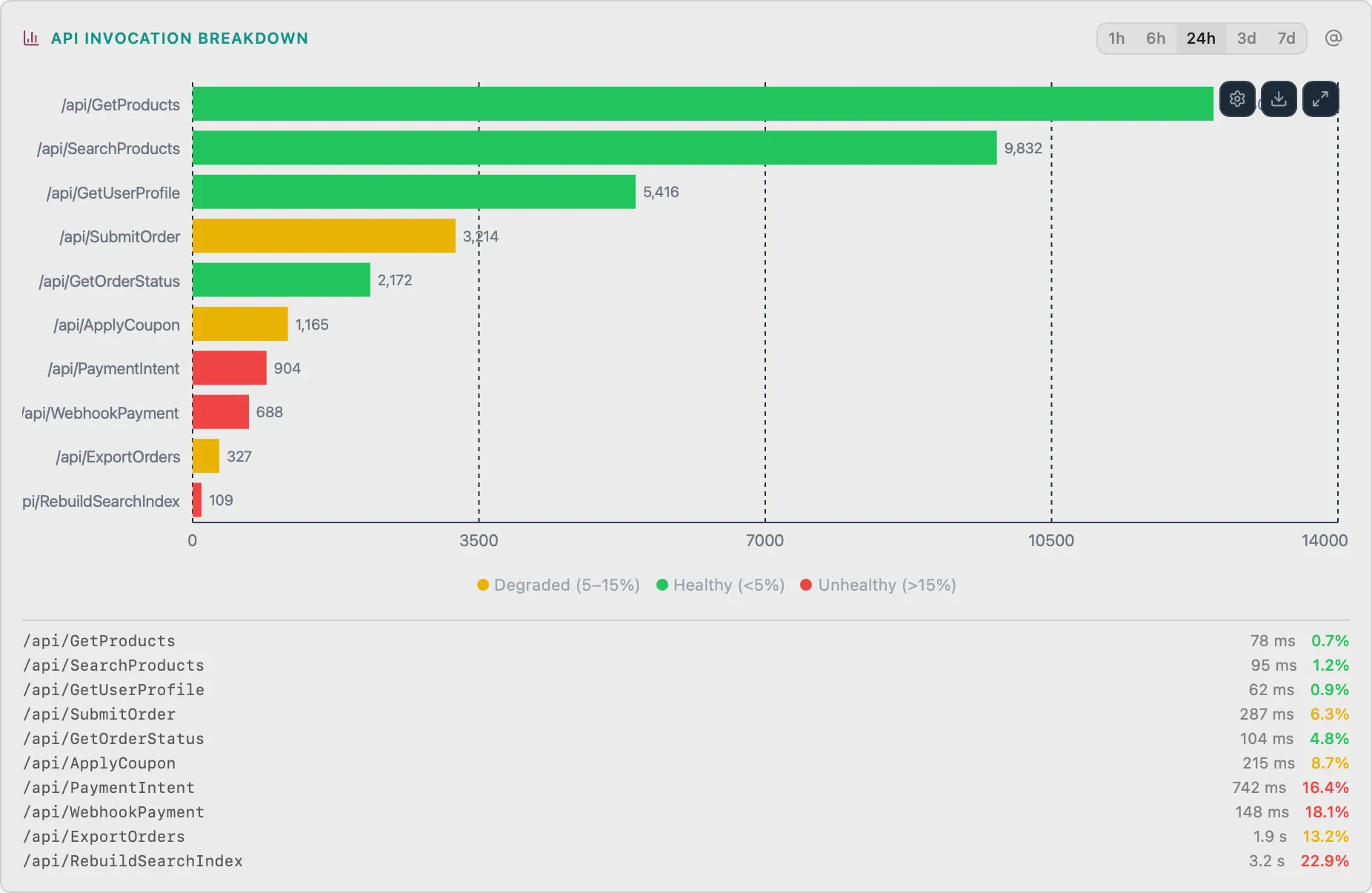
API Invocation Breakdown
SwaStacked bar chart of API function invocations by route
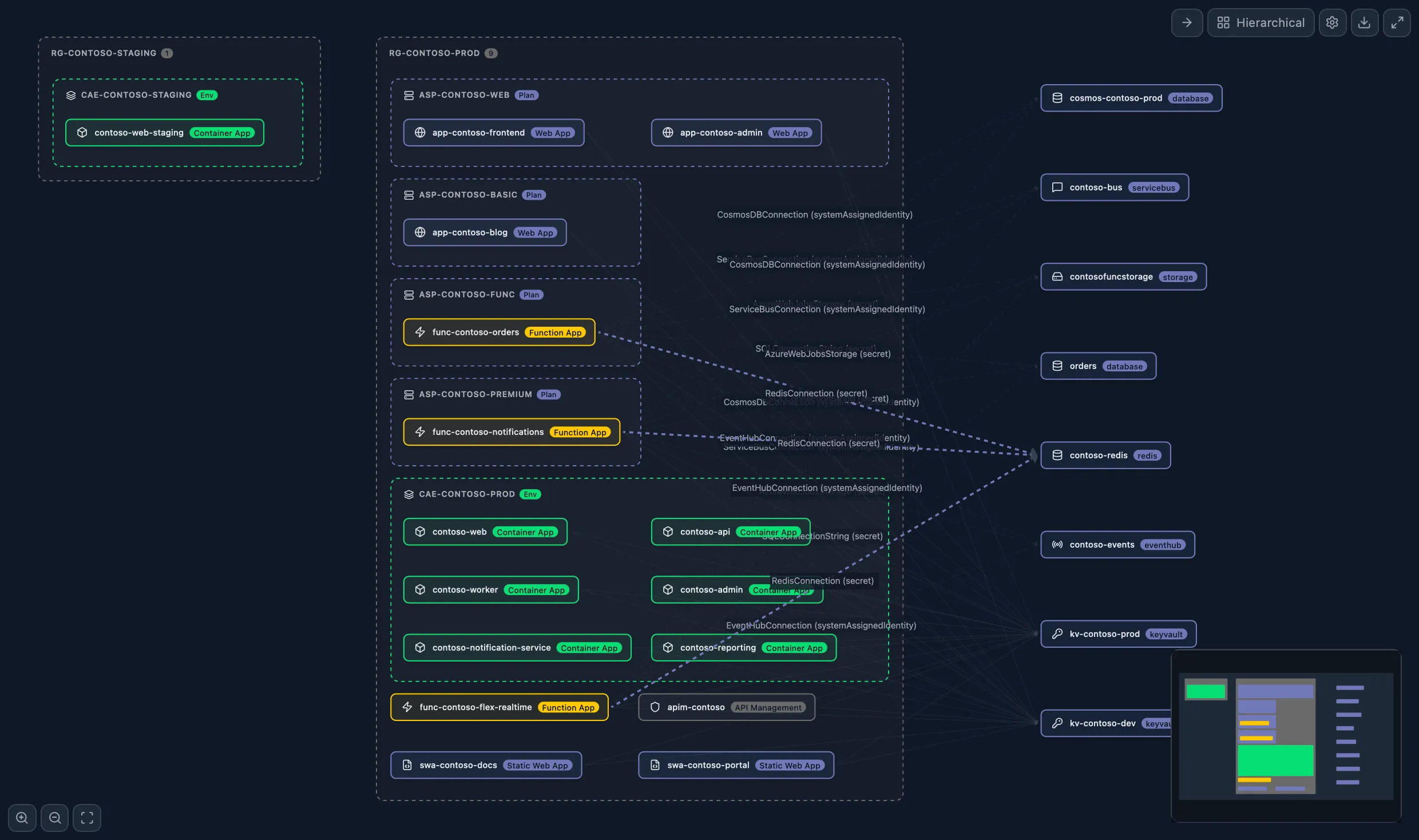
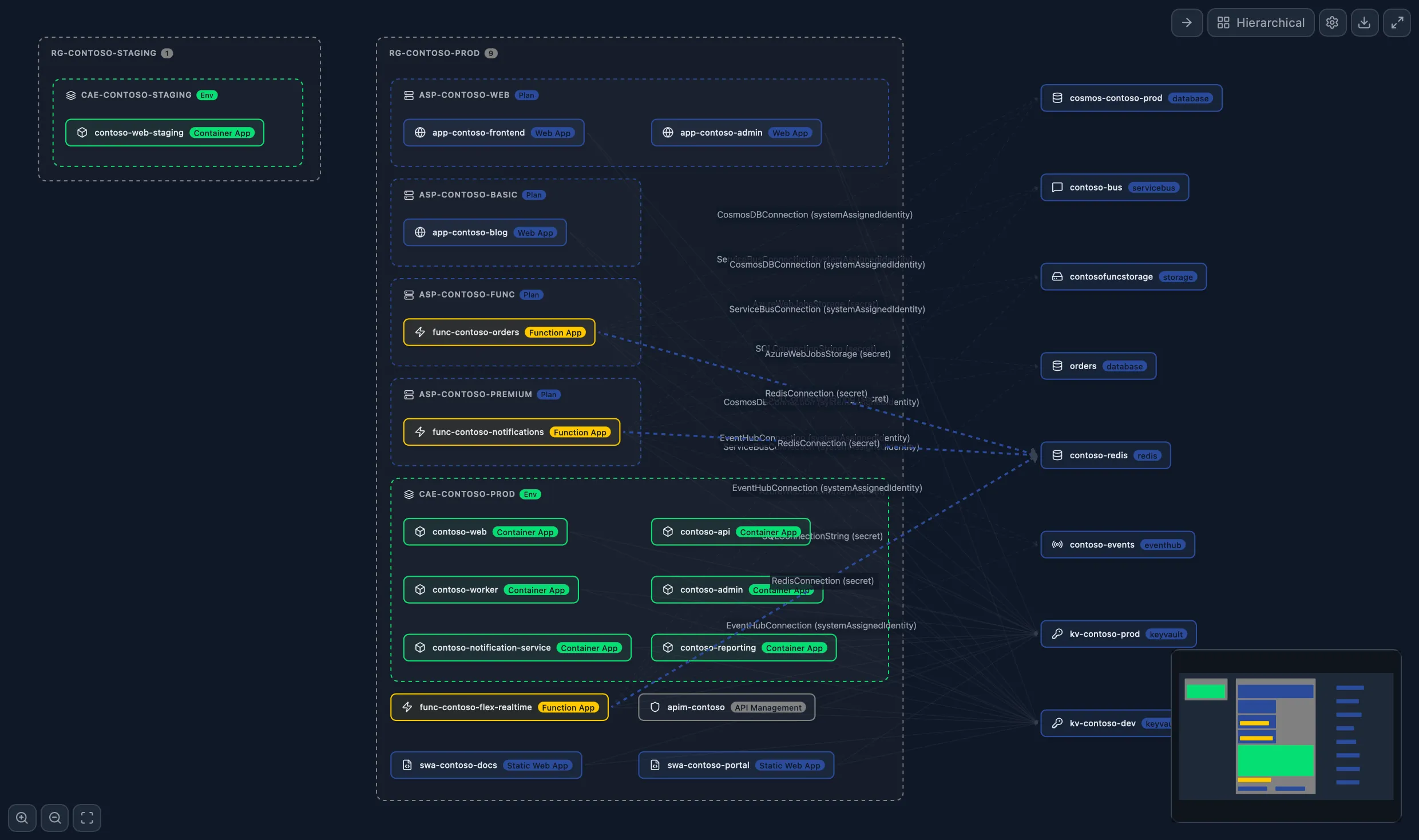
Cross-Resource Dependency Map
SuiteのみSee how your Container Apps, Functions, Web Apps, Static Web Apps, and APIM services connect. VNet links, Service Connectors, APIM backends, SWA linked backends — all in one interactive graph.
Azureサービスごとに1つのアプリ。目的を持って構築。
Secrets, revisions, scaling, traffic splits, logs, metrics, shell access, Dapr, jobs, and a built-in AI assistant — all without the Portal.
Deployments, slots, configuration, logs, metrics, SSH, domains, SSL, backups, WebJobs, and a built-in AI assistant — all in one window.

Functions, triggers, deployment slots, distributed tracing, dependency graphs, and a built-in AI assistant — serverless management without the Portal.
APIs, products, subscriptions, policies, named values, certificates, scaling, diagnostics, and a built-in AI assistant — full APIM management offline.
Environments, routing rules, build config, auth wizard, linked backends, database connections, and a built-in AI assistant — static site management simplified.
All 5 Prizmik products in a single native app — plus Suite-exclusive cross-resource features like the Dependency Map, SWA + Func Integration, and a cross-resource Config Linter.
Unify. Focus. Control.
すべてが、 $179*
PrizmikSuiteはすべての5製品を1つのウィンドウにまとめます — クロスリソース依存関係マップやSWA + Func統合などのクロスリソース独占機能も含まれます。
シンプルで公正な価格
個人および非商業利用は無料。商業チームはシートあたりのワンタイム購入。
個別製品
Azureサービス用の製品を選択。
正価。最終価格(付加価値税込み)は、お客様の国に基づいてチェックアウト時に計算されます。価格と税金の詳細を見る。
チームが毎日時間を節約する場所
Prizmikが反復的なPortalループを置き換える場所です:トリアージ、ロールアウトチェック、デスクトップワークスペースでの支出分析。
10のタブを開かずに根本原因を見つける
コンテナリビジョンが失敗し始めたとき、ログ、リビジョン、スケール設定、AI診断を一度に表示できます。ブレード間のコンテキストリセットはありません。
Metrics、Logs、Revision、Scaleブレード間を繰り返し読み込みと失われたコンテキストで移動。
関連するパネルを並べてピン留めし、1つのアクションを実行し、影響をすぐに確認。
デプロイ前の変更レビュー
ポリシー、構成、またはスケール更新をデプロイする前に、並べての差分とコンテキストチェックを使用します。
支出と健全性を一度に
最適化の決定が1回のセッションで行われるように、同じビューでコスト、トラフィック、診断を調査します。
無料で使用。機能制限なし。
コミュニティ版は、個人、教育、非商業利用で完全に機能します — 時間制限なし。唯一の違いは、商業ライセンスが必要なAIアシスタントです。
唯一の制限:商業利用には商業ライセンスが必要です。
無料でダウンロード